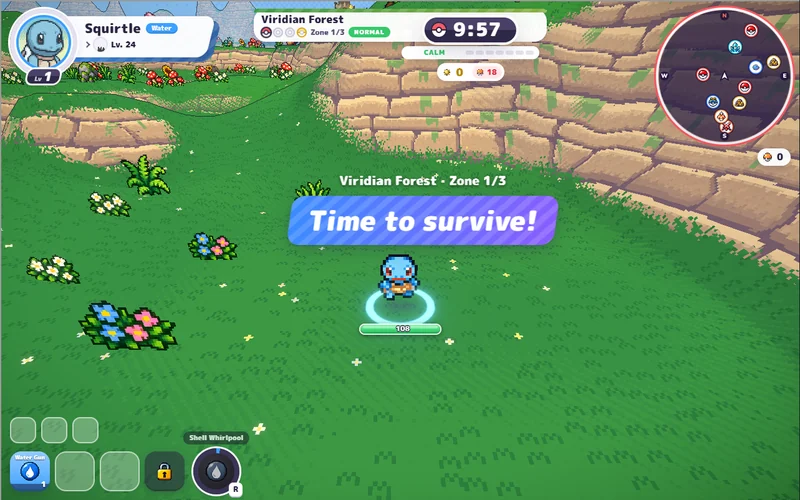
PokeBonk
Pick a partner and take on a 3D forest full of wild Pokémon.
Play PokeBonkHosted v0.8.27 · startup screenshot, 26 Oct 2026. Game art © respective owners. Pokemon Team Builder ↗
ORIGINAL-HOST GAME WINDOW · UNOFFICIAL GUIDE
WoW-style arena PvP, with a guest route and no separate browser installation. Choose opponents instead of enemy waves.
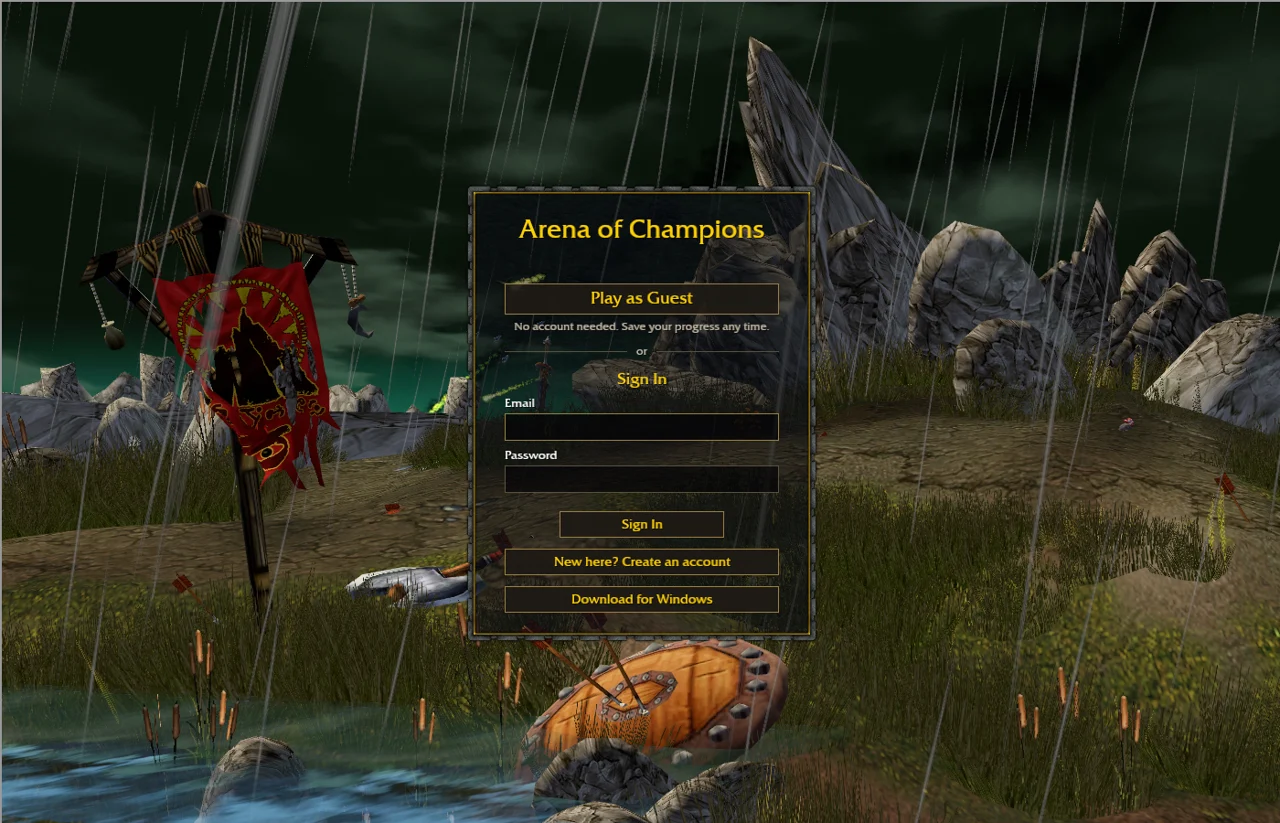
Pick a hero. Learn your abilities. Enter the arena.
Click to connect to arenaofchampions.live.
Desktop keyboard and mouse recommended.
TRY A DIFFERENT SESSION
Switch from arena PvP to one of these survival games on Megabonk.org.
Pick a partner and take on a 3D forest full of wild Pokémon.
Play PokeBonkHosted v0.8.27 · startup screenshot, 26 Oct 2026. Game art © respective owners. Pokemon Team Builder ↗
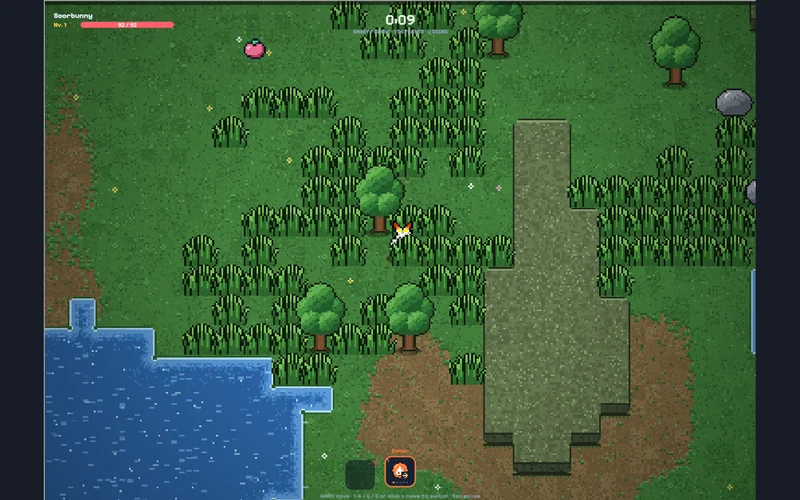
Dodge a pixel-art horde and switch attacks as your run develops.
Play PokéSurvivorThird-party edition · startup screenshot, 26 Oct 2026; build unlabelled. Game art © respective owners. pokesurvivor.pro ↗
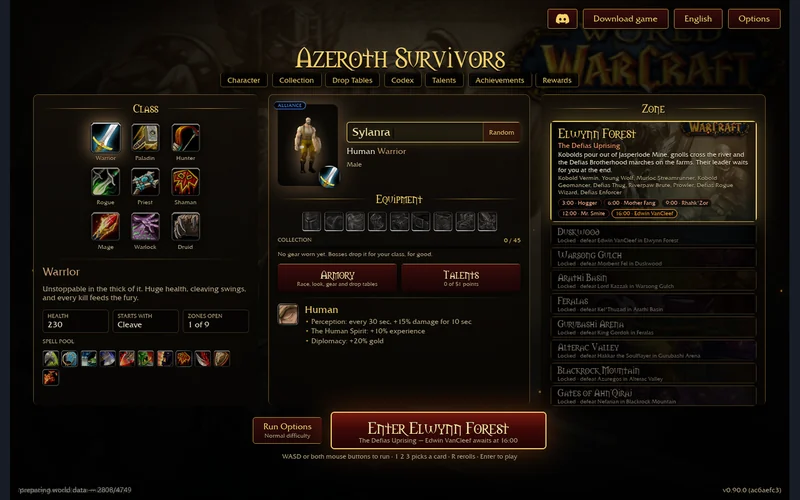
Choose a Warcraft-inspired hero and build around automatic spells.
Play Azeroth SurvivorsHosted v0.90.0 · menu screenshot, 31 Oct 2026. Game art © respective owners. s.the-false-sun.com ↗
The original client lists 1v1, 2v2 and 3v3 queues. This is not a promise of available opponents, a particular ping or a completed match on every device.[1] Expand gives you more room. Hide and Return keep the same frame and do not pause or disconnect it. Leave a match in the game before stepping away; close this page to end its embedded session.
| Choose | When you want | Your next step |
|---|---|---|
| Arena of Champions | Manually controlled abilities and online player-versus-player arenas. | Use the game window above and its own class and control menus. |
| Azeroth Survivors | Movement, automatic spells and upgrades while surviving enemy waves. | Read the survival guide → or open its game window →. |
The Warcraft-inspired setting does not make these the same game. Azeroth Survivors builds and save files do not apply to Arena of Champions. Neither is an official Blizzard browser version of the full WoW MMO.
Browser play needs no separate game installation. If you prefer a desktop client, open the original game and use its Download for Windows control; obtain updates from that project rather than a lookalike download page.[1]
Already playing as a guest? The project’s text says to use Save Progress in town before moving to the app, then sign in with that account. These are the project’s instructions; we have not tested account migration, Windows compatibility or recovery of lost progress. Do not clear your guest browser data while deciding. A framed session and a separate browser tab may receive different storage treatment.
First distinguish the outer window loading from the game’s own resource download or connection message. If it stalls, Arena of Champions · open the same original in its own tab ↗. Record the exact message and whether you reached sign-in or town. Conflicting player access reports do not establish that the game has shut down.[2]
The game has keyboard and mouse controls. A phone-sized page is not proof of touch support; use a desktop or laptop for this route. We do not promise that the Windows app fixes your latency or that every browser and graphics adapter works.
For project announcements and support, follow the community control inside the current original game. Invites can change. This window connects to the game host only when you click Play; that host controls its own services, accounts and storage. See our privacy notice.
Checked 1 November 2026. Independent editorial; not affiliated with the project or Blizzard. Current public client text contains patch notes through 0.23, dated 31 October. That is source-text scope, not a guarantee of the running server version.