
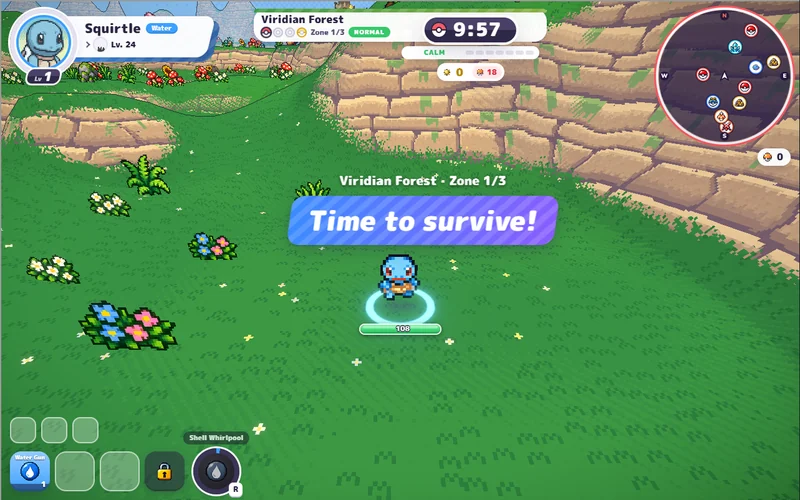
PokeBonk
Pick a partner and take on a 3D forest full of wild Pokémon.
Play PokeBonkHosted v0.8.27 · startup screenshot, 26 Oct 2026. Game art © respective owners. Pokemon Team Builder ↗
HOSTED v0.90.0 · THIRD-PARTY BUILD
Load the hosted game here, or open Aethus’s original in its own tab.
A hero, a spellbook and a growing horde.
Click to load the third-party game from s.the-false-sun.com.
Its initial world-data preparation can take several minutes.
YOUR NEXT RUN
Try another survivor game, right here on Megabonk.org.
Pick a partner and take on a 3D forest full of wild Pokémon.
Play PokeBonkHosted v0.8.27 · startup screenshot, 26 Oct 2026. Game art © respective owners. Pokemon Team Builder ↗
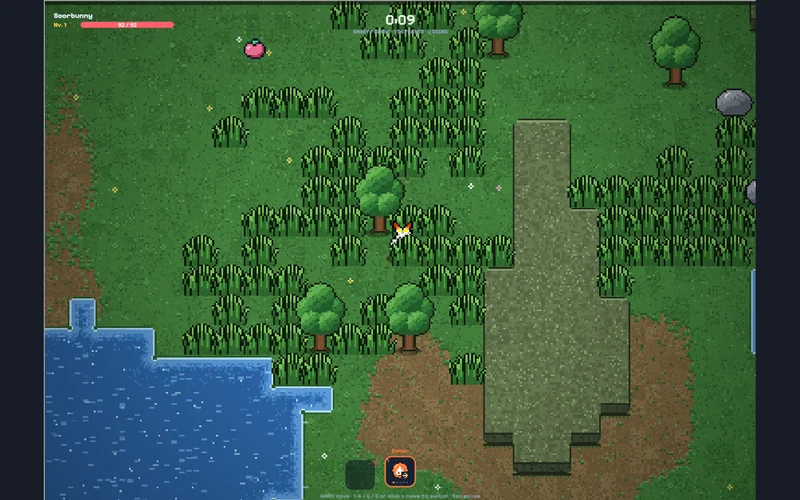
Dodge a pixel-art horde and switch attacks as your run develops.
Play PokéSurvivorThird-party edition · startup screenshot, 26 Oct 2026; build unlabelled. Game art © respective owners. pokesurvivor.pro ↗
Expand gives the game more browser space. Hide and Return keep the same frame loaded; they do not pause the game. Pause inside the game first. On small screens, try landscape. Browser-size checks do not establish physical-phone compatibility.
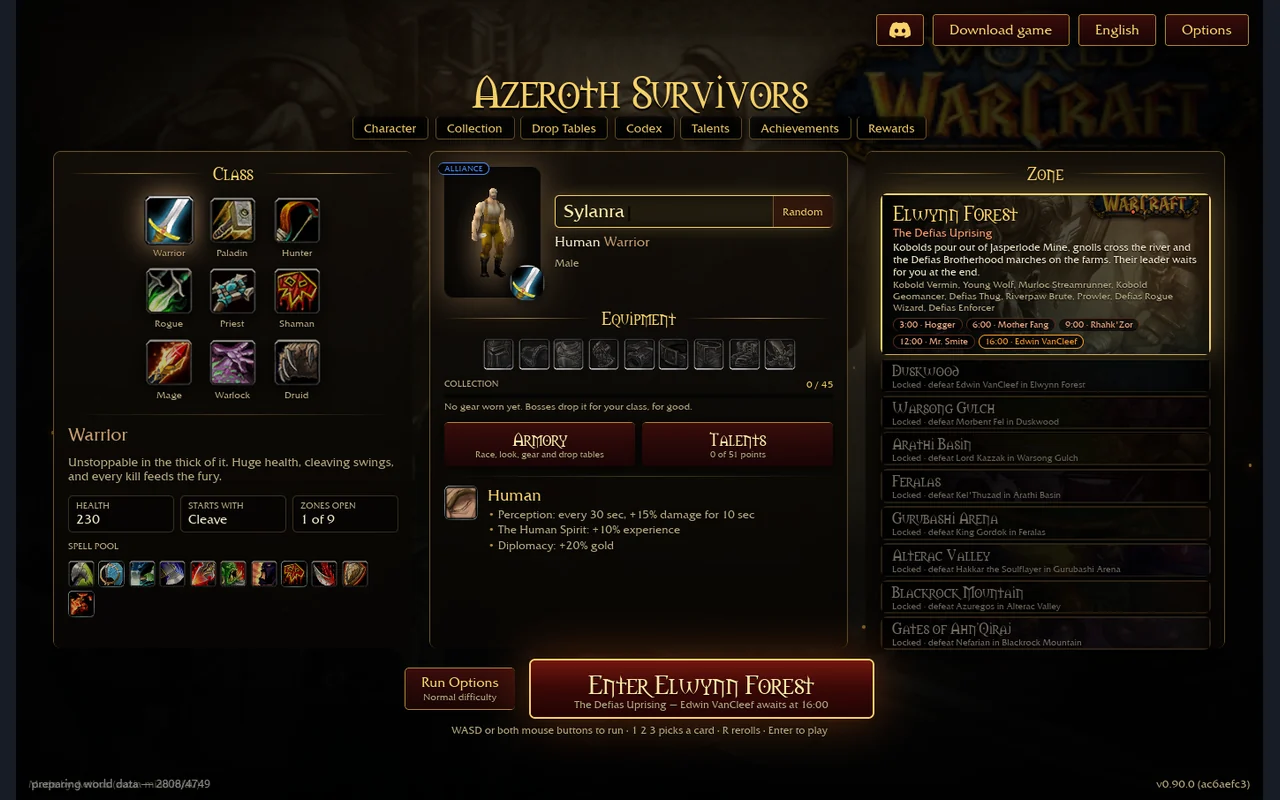
This window uses the same third-party game address linked by azerothsurvivors.online, checked 31 October 2026.[1] We do not host the executable, operate its servers or claim an official partnership. The menu displayed v0.90.0 (ac6aefc3), with nine zones, on this check. The original-game guides checked v0.130.0 separately. Version parity, addon support, account transfer and save compatibility are unverified.
Our desktop browser startup check on 31 October reached Elwynn Forest’s Jasperlode Mine with a Warrior. Movement started the run; the timer reached 00:06 and the Level 2 card choice appeared. This is a short startup check, not a completed run, multiplayer test, save-transfer test or physical-phone benchmark. Initial resource and world-data preparation took several minutes.
The original Aethus game at wow.aethus.pl blocks third-party frames, so its direct link opens a separate tab.[2] Keep existing progress at the address and browser profile that created it. Before experimenting with an import, keep an unchanged export from each client; importing is not a way to merge progress. See the original-game backup guide.
Loading this game connects your browser to its host and services. We cannot read its cross-origin storage or recover its saves. See the game-window privacy notice.
The first world-data preparation can continue after the outer window reports that it loaded. Watch the progress inside the game. Hiding and restoring the window preserves the current frame; repeatedly reloading starts a new page session.
If it stalls, try the same hosted game in its own tab ↗ (external website, opens in a new tab). If that provider is unavailable, use Aethus’s original game ↗ (external website, opens in a new tab); it is a separate host, so this session does not automatically follow. Our browser and mobile checks distinguish graphics support from input and storage.