
Establish the clean baseline
- Record version, branch and subscriptions.
- Back up your save before changing an experimental setup.
- Deactivate mods and restart.
- Repeat the failing action with the same character and Item Sets.
- Check current patch notes if it still fails.
Developer launch and beta warnings ↗ (opens in a new tab) support this first diagnostic step. A continuing unmodded crash needs its own reproduction report.
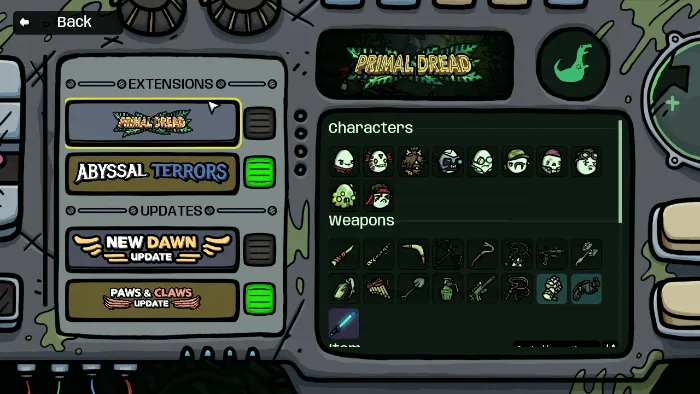
Restore a compatible setup
Check each author’s supported version, dependencies and recent comments. Restore one compatible mod or required dependency group, restart and repeat the failing action before adding another. Workshop popularity does not establish compatibility.
Record the full version, including 1.2.0.2.beta-1, when comparing a mod author’s supported builds. For the November beta, follow the developer’s deactivate-and-unsubscribe instruction. If a required mod supports only the default branch, use that supported environment.
Check whether a multiplayer mod is needed
Steam lists local co-op and Remote Play Together. Older loader tutorials may predate those features. For a normal run with friends, use the supported co-op setup first. Identify the extra feature you need before choosing a mod.
When the clean game still crashes
Compare the exact action against the November 3 fixes, including the Survivor co-op crate crash. A matching note is a reason to update and retry. Report version, steps and crash details if it persists. We have not validated individual packages or a universal crash fix.