
Choose for your devices
| Situation | Route | Check first |
|---|---|---|
| One screen | Local co-op | Connect and join with the intended input devices. |
| Friends elsewhere on Steam | Remote Play Together | One host runs the game and invites guests. |
| Independent console copies | Platform-specific features | Steam streaming support does not establish cross-console matchmaking. |
| Old mod tutorial | Check date and game version | The instructions may predate supported local co-op. |
Brotato Steam features ↗ (opens in a new tab) and Valve’s Remote Play guide ↗ (opens in a new tab) establish the Steam routes.
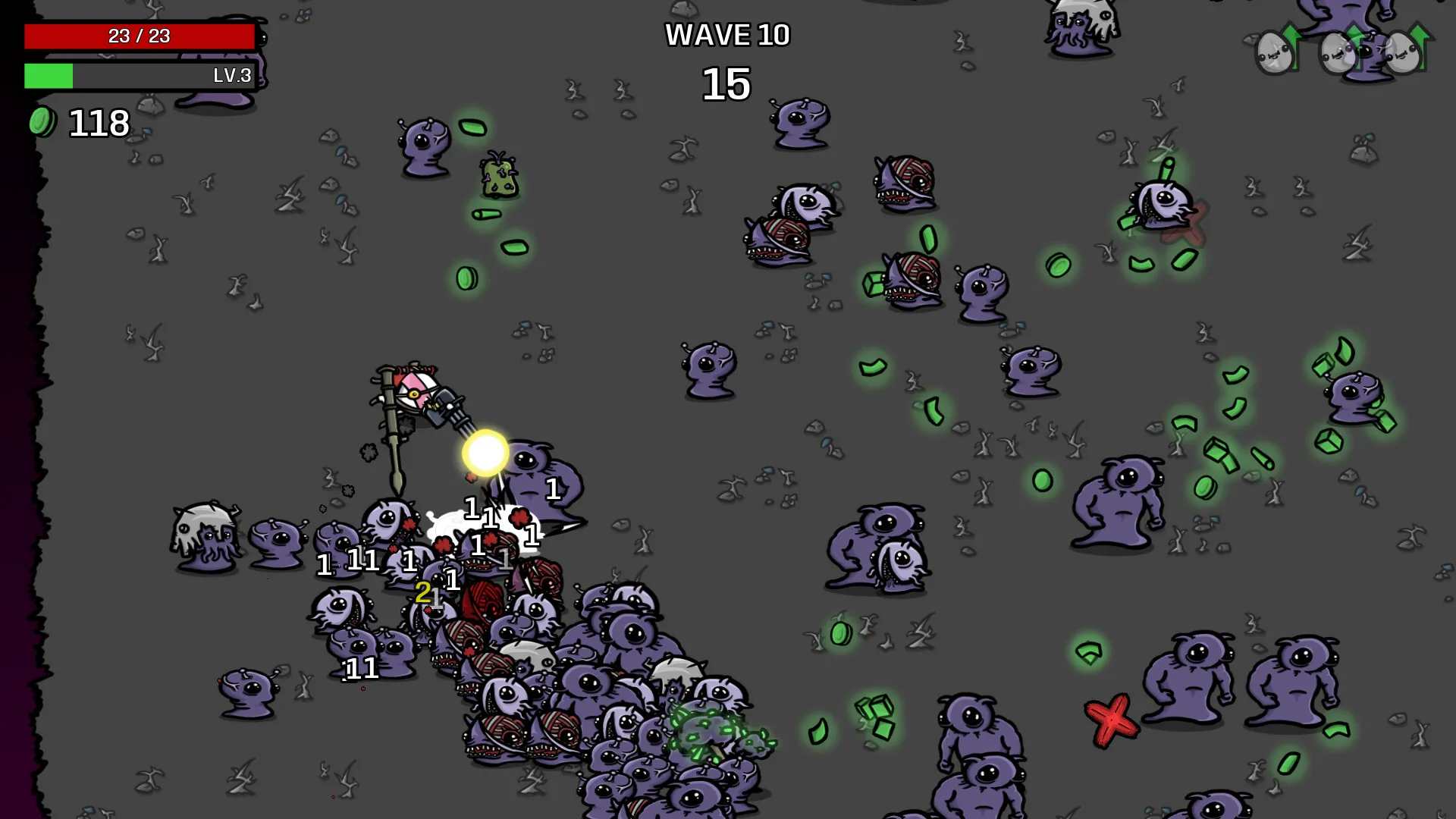
Set up Remote Play Together
- The host launches the installed Steam game.
- Invite the guest using Remote Play Together in the Steam friends list or overlay.
- The guest accepts. Check allowed controller and keyboard inputs.
- Join the local session and confirm each player controls a different character before starting.
Valve documents one owner running the game while guests receive video and return inputs. The host computer and connection remain involved.
If inputs or crates fail
When two people control one character, check Remote Play input permissions and local device assignment separately. Establish that controllers work locally before blaming the connection.
After an update, reproduce crashes without mods. The November 3 patch includes a Survivor co-op crate fix. Beta notes separately include shop-navigation fixes. Match the symptom and branch before assuming a particular issue is fixed. Official patch notes ↗ (opens in a new tab)
Check the weapon popup on beta-1
The 10 November optional beta fixes controller navigation getting stuck in a weapon popup when buttons are hidden. Check the installed branch when matching this symptom to a patch note. Developer beta-1 notes ↗ (opens in a new tab)
Check the session before a long run
Agree on host, inputs and enabled content. Start a short unmodded session to verify controls. We have not tested remote parties, console pairings or shared progression. For mod conflicts, use the compatibility checklist.