 Revenant Survivors
Check what the selected attack mode automates
In the difficulty discussion, the developer explains the two auto-attack settings. If Basic Attack happens automatically while Strike still needs input, inspect whether the Basic-only option is selected. Developer explanation of auto-attack modes ↗ (opens in a new tab)
- Open Settings and inspect the current auto-attack choice.
- Choose whether Strike should also be automated, then follow the current UI’s confirmation prompt.
- Return to combat and observe Basic Attack and Strike separately.
- If neither activates as expected, record the controller model, mode and exact behavior for a report.
Separate historical problems from the release listing
The August controller thread contains reports of movement working while menus, skill choices and interactions were incomplete. The developer acknowledged those limitations on August 18. Later playtest updates addressed controller support and portal input, while the September 4 discussion identified another Demo input issue after Steam Input was introduced. Historical controller discussion ↗ (opens in a new tab) · Demo input follow-up ↗ (opens in a new tab)
The current Steam store listing ↗ (opens in a new tab) advertises Full Controller Support. That listing and the older reports have different dates and scopes. Use the installed release’s behavior to decide what still needs reporting.
Describe the input that fails
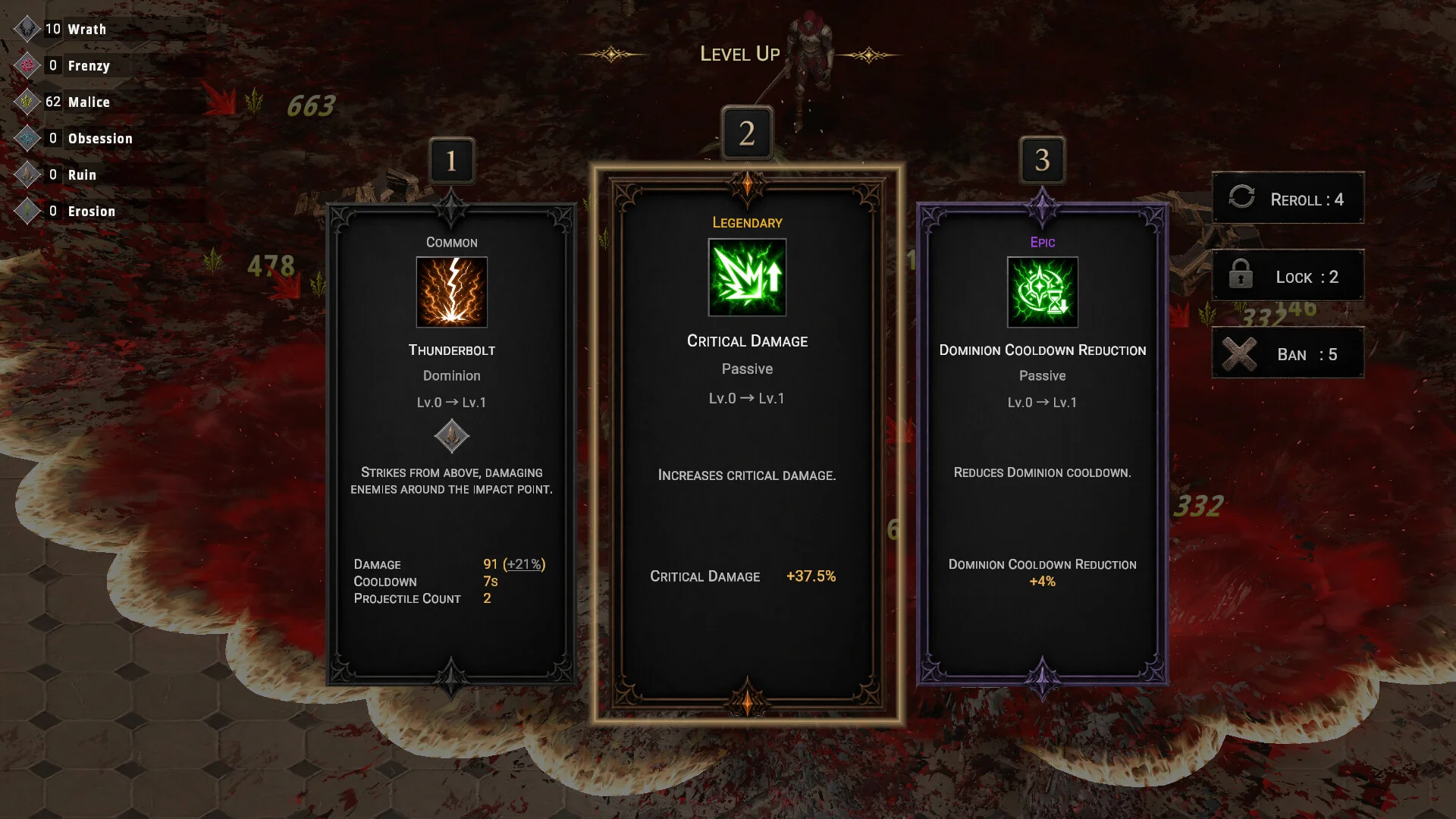
A useful report distinguishes movement, aiming, Basic Attack, Strike, menu navigation, level-up selection and portal interaction. Include the game edition, version, controller model, connection type and Steam Input state. These details let the developer reproduce a narrower failure than “controller broken.”
One playtest participant reported enabling auto attack through the mouse’s middle button before returning to the controller. That is an old player-reported workaround with no current-release verification here. Treat it only as historical context. This guide has no device-specific controller test or Steam Deck performance measurement.