
Survivor: Ace
Guides
Fly, dodge and build your next attempt. Survivor: Ace is Gorilla Studio’s mobile aerial roguelike, also called 噠噠戰機, ダダエース and 탕탕 에이스. It is a separate game from Survivor.io.[1]
Choose your next task
Start here: one useful first loop
Start with the mobile client linked from Survivor: Ace official website ↗ (external website, opens in a new tab). Check the name before following instructions for the older game.
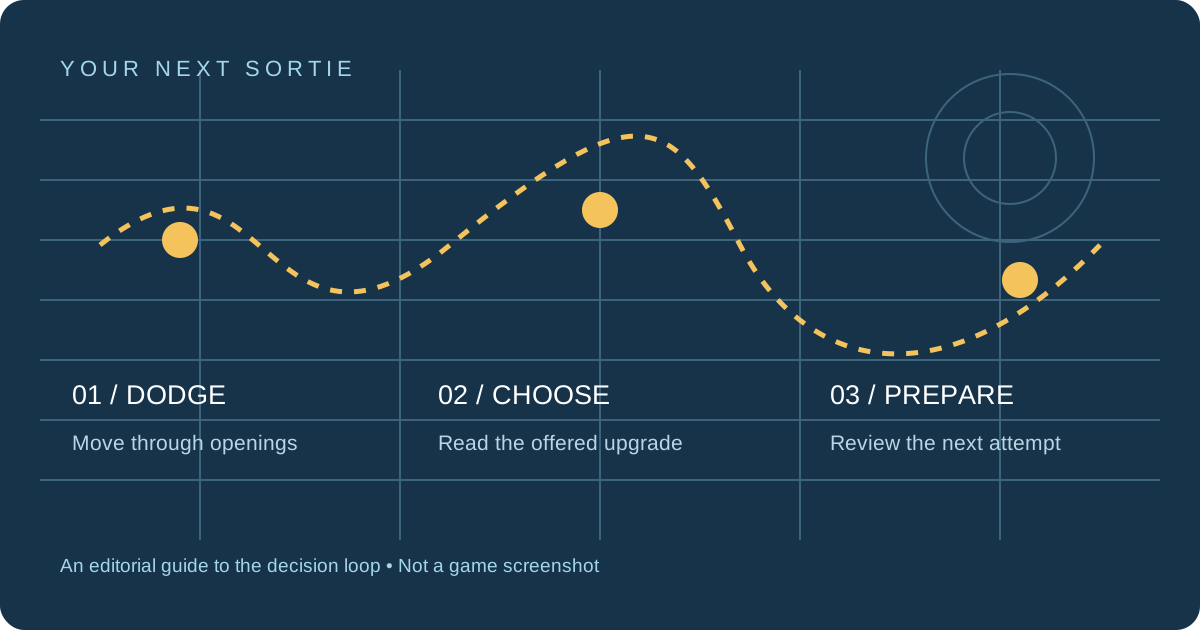
- Move first. Drag to steer while attacks fire automatically.
- Read the draft. Choose among the upgrades actually offered, rather than expecting a fixed build order.
- Review the failure. Separate being hit from leaving enemies alive, then decide what the next attempt needs.
This sequence combines the authors’ examples into a review method; it is not a tested clear route.[2][3]
繁中快速入門
先認準噠噠戰機,再依畫面提供的升級選項作決定。局內武器/技能選擇與局外裝備養成要分開;輸掉後先記下是被彈幕擊中,還是敵人清不掉,再調整下一次嘗試。
完整繁中新手攻略 → · 禮包碼與輸入位置 →Read a weapon choice by the problem it solves
| What you notice | Decision to review |
|---|---|
| Your attacks miss moving targets | Check whether an offered attack tracks targets or requires a forward line. |
| Your current attack connects, but enemies remain | Compare an upgrade to that weapon with a new attack; more weapon names alone do not settle the choice. |
| You lose HP before damage becomes the problem | Compare the available survival effect with another damage pick. |
This is a conditional reading checklist, not a weapon tier list. The Japanese examples and Inven’s cannon example describe different starts; neither establishes everyone’s default weapon.[2][3]
Keep the two upgrade decisions separate
| During a run | Between attempts |
|---|---|
| A choice from the current randomized draft | An equipment change whose displayed cost and effect you can inspect |
| Useful for the situation on screen | A separate decision before flying again |
Do not turn a missed random offer into an assumed equipment problem. First note what failed, then inspect the relevant effect instead of spending across every system.[2][3]
Code guides & redemption
Codes and their deadlines change. Use the language-specific guides for reported strings and redemption steps; no code on this website is labeled as redeemed by us.
Official help & community
For account, purchase or missing-reward issues, use Google Play · App support ↗ (external website, opens in a new tab). We cannot credit rewards or recover accounts. For public discussion, Bahamut · 噠噠戰機 board ↗ (external website, opens in a new tab) is a separate community; its activity could not be verified during this review.
Use Survivor: Ace official website ↗ (external website, opens in a new tab) for current store and community links. Avoid treating a forum answer or a translated guide as a developer guarantee.
Sources & edition limits
- Google Play · Gorilla Studio ↗ (external website, opens in a new tab) — Store identity and mobile gameplay; checked 2026-10-28.
- ゲーム先取り · 2026-10-27 ↗ (external website, opens in a new tab) — Author reports about 30 minutes with the Japanese iPhone edition, with weapon and equipment examples. Not our playtest.
- Inven · Kobee · 2026-10-22 ↗ (external website, opens in a new tab) — Kobee’s gameplay account; client build unspecified. Not an independent confirmation of the Japanese client.