
Choose the symptom you actually see
| What you see | First check | Next step |
|---|---|---|
| No WebGPU warning | The browser does not expose the needed GPU entry point. | Run the local capability check; inspect browser acceleration and current support. |
| No usable graphics card / adapter | The API can exist without an available adapter. | Check graphics acceleration, graphics drivers and which GPU the browser uses. |
| Black screen with advancing download / preparation | Initial resources can still be loading. | Watch whether progress changes; avoid repeatedly discarding a progressing load. |
| Too many people are playing | A server or resource refusal is different from a GPU error. | Keep progress intact; retry later or inspect the original Windows download. |
| Fake website detected | The original launcher checks its host and frame. | Open the original directly, or read the separate-provider scope of our Play page. |
| Missing progress | Host, browser and profile may differ. | Return to the previous host/profile before clearing anything. Save recovery checks → |
| Addon missing or HUD broken | Installation, version or overlapping HUD packages. | Disable the suspect addon and compare. Install and troubleshoot addons → |
These branches interpret the dated original launcher and client text; a matching symptom does not establish one universal cause. [1][2]
Check WebGPU in this browser
Runs only when clicked. No GPU name is collected, nothing is uploaded and no game files are fetched.
Not checked yet.
The check asks whether this secure page exposes WebGPU and whether requestAdapter returns an adapter. An available adapter does not verify game features, graphics stability, performance or touch controls. [3]
If loading stops or the screen stays black
- Record the exact message and whether a progress counter changes.
- Open the original directly in its own tab; do not import your only save into an unfamiliar host.
- If graphics capability is missing, inspect the browser’s acceleration setting and graphics diagnostics, then restart after a relevant change.
- If capability is available but the game still fails, keep the host, game version, device, browser and failure stage with your report.
- Use the creator’s linked download or community route when the browser route is unsuitable. Do not erase storage as a generic loading fix.
Original download routes → · Phone and Steam Deck evidence →[1]
A low frame rate is a different problem
If the game reaches the world, first compare its graphics/display settings and reduce background GPU load. Change one setting at a time. An addon error, an overloaded GPU and a server refusal require different checks; no FPS improvement or universal preset is measured here. Preserve the existing save before testing a different client.[2]
What to include when asking for help
Include the exact host, displayed game version, browser/OS, device, visible error and whether failure happens during download, preparation, menus or a run. Share relevant screenshots without account or save contents. Discord · creator community linked by the original launcher ↗ (external website, opens in a new tab)[1]
Sources & verification
- Aethus · browser launcher ↗ (external website, opens in a new tab) — Inspected 29 October 2026; resource stamp c33ee61002a5. Original-host and frame checks, startup handling and local-save fallback. The resource stamp is not the game version.
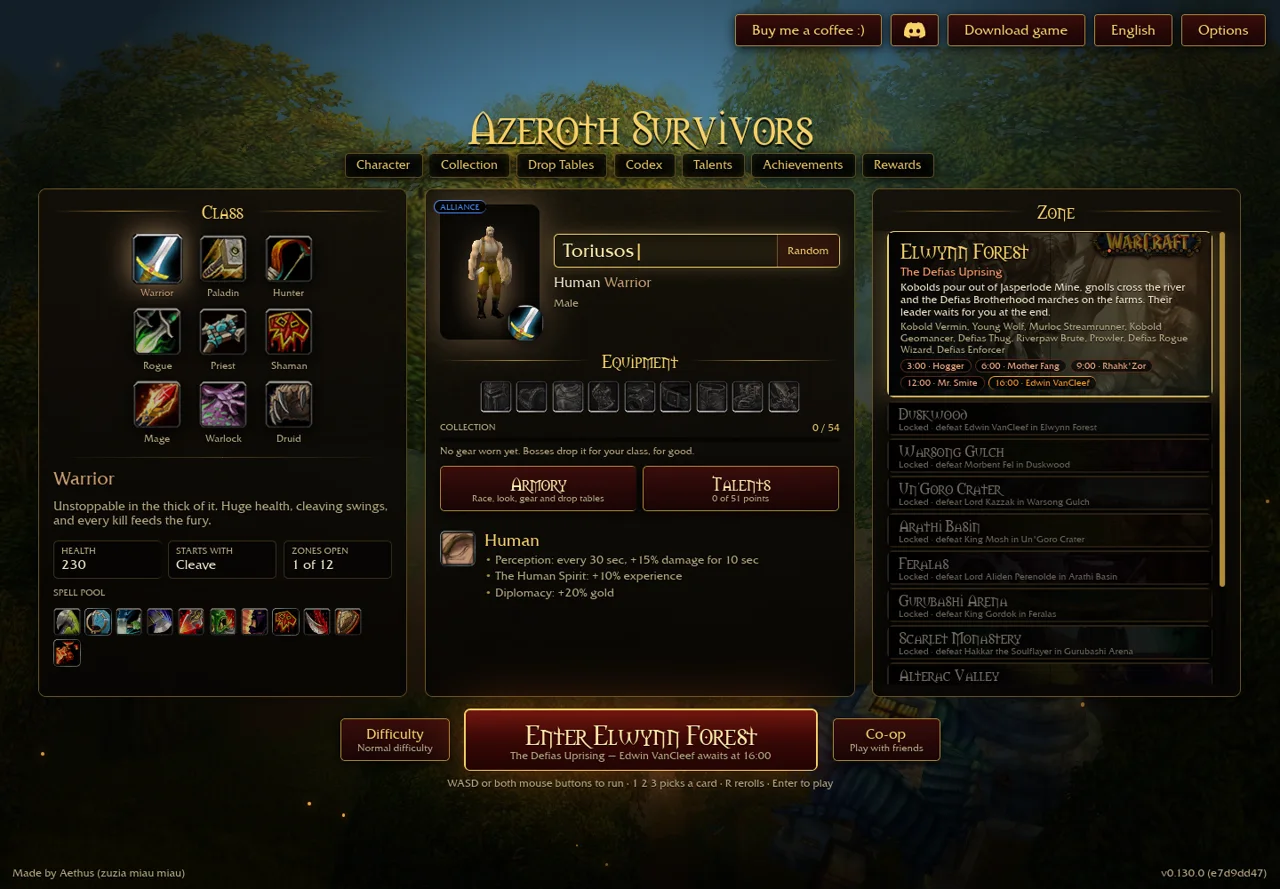
- Aethus · original snapshot ↗ (external website, opens in a new tab) — English and localized original v0.130.0 / e7d9dd47 snapshot captured 30 October 2026; re-read 1 November. Single primary source. Latest live launcher retrieval returned HTTP403 on 1 November; no current-version, full-run or all-rank test claimed.
- MDN · GPU.requestAdapter ↗ (external website, opens in a new tab) — Read 1 November 2026. Secure-context API may return no adapter; this guide’s local capability check is not a game benchmark.