
Choose the rhythm of your decisions
| Preference | Starting fit | Why |
|---|---|---|
| Frequent stops to plan purchases | Brotato | Buying, locking and rerolling sit between combat waves. |
| Continuous stage progression | Vampire Survivors | Level-up choices and evolution conditions shape the run. |
| Weapon copies and character restrictions | Brotato | The loadout develops through a character-specific shop plan. |
| Evolution combinations | Vampire Survivors | A recipe and its conditions provide a distinct progression task. |
This is an editorial fit comparison based on the Brotato description ↗ (opens in a new tab) and Vampire Survivors description ↗ (opens in a new tab). It is not a performance benchmark.
Plan the group setup
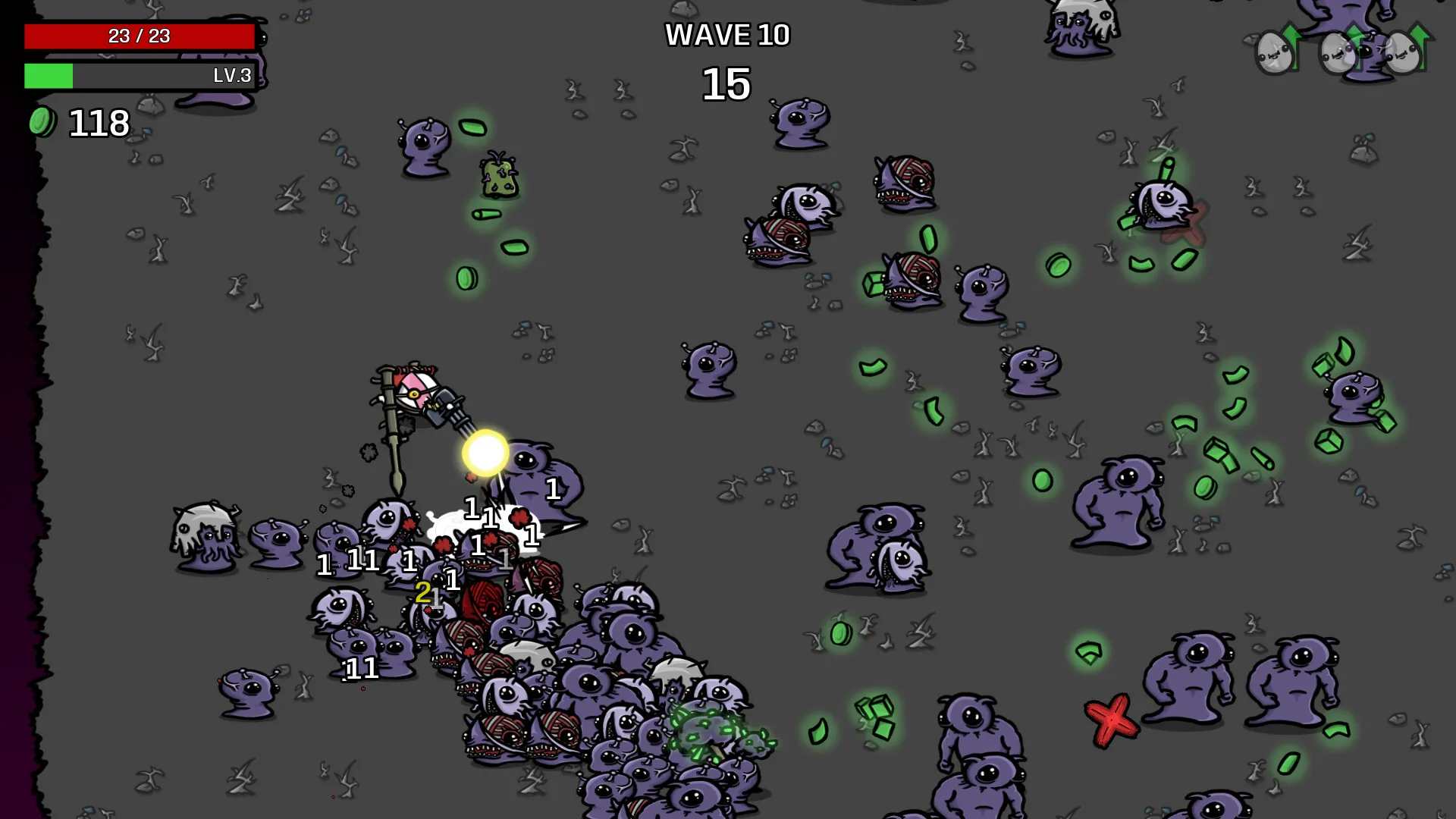
Brotato’s Steam features include local co-op and Remote Play Together. Remote Play streams a host session. Vampire Survivors has its own mode and platform requirements. Enter your actual devices into the choice process using the Vampire Survivors co-op guide and Brotato setup guide.
Understand the base loop first
If you are new to both games, learn the base loop before selecting expansion content. Brotato’s Item Sets let owners disable content to reproduce a simpler run. Primal Dread adds another decision layer through Evolution and changes enemy hazards.
Pick the first session
Choose Brotato for frequent pauses to compare purchases. Choose Vampire Survivors for planning progression through a stage. If group play decides the purchase, agree on screens, host and platforms first. Check current prices for your store and region.