Choose an Android build
Download Android APKs from nearQ ↗ (opens in a new tab). The two packages are listed as the same game with the same progress. Choose by launch behavior, then follow the symptom checks below.
| What happens | Next action |
|---|---|
| The game launches normally | Keep the working renderer. |
| Vulkan opens to a black screen or closes | Try the developer’s OpenGL package over the existing installation. |
| Android refuses to install the APK | Record the exact installation error. This happens before the renderer starts. |
| The game opens but a UI button cannot be pressed | Check the latest update and report the screen and device. Changing renderer is not a confirmed UI fix. |
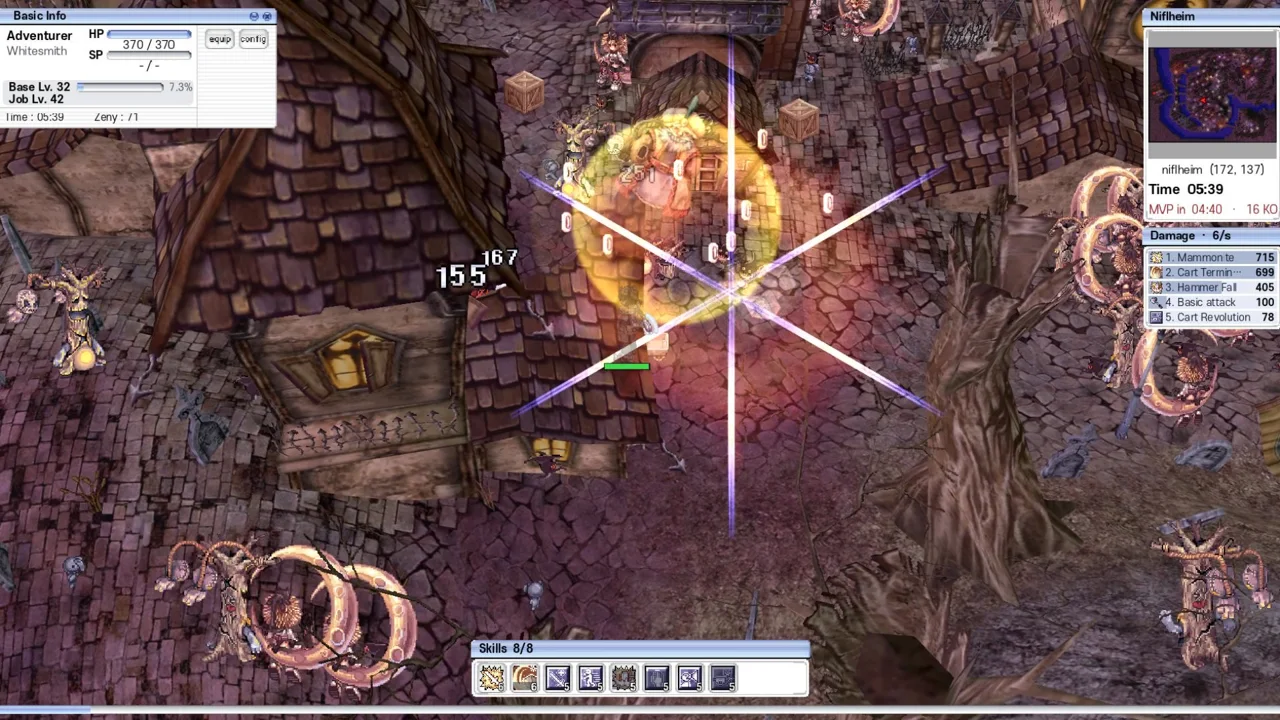
Black screen or crash on opening
- Check that the package came from nearQ’s page and note its version.
- Close the client and install the OpenGL APK over the existing game, following the developer’s listing.
- Reopen it and check whether the title screen and controls appear.
- If it still fails, report your phone model, Android version, renderer package and exact symptom.
The developer’s launch discussion includes a Redmi 11 Prime report, a Vulkan-driver explanation and an OpenGL release. One player said OpenGL still failed before a different installation method worked. The renderer switch therefore has a documented target symptom and a reported failure case.
Keep progress when switching packages
The developer’s current installation note says installing OpenGL over Vulkan keeps progress. Preserve the existing installation when trying that route. The old thread also suggests a clean install for an installation error, but it does not establish save recovery after uninstalling. Confirm a recovery method before deleting a working copy.
iPhone and unresolved problems
The current download list contains Android APKs. The developer has expressed interest in iOS in launch replies, with no verified iOS download in the sources checked here. For remaining bugs, use F8 or the in-game feedback menu when available, or the Discord linked from itch.io.
Sources
Next steps
Source-based guidance from the developer’s site, itch.io listing and linked player discussions. We have not run these clients or tested device compatibility, progression or multiplayer.