Join your friends
- Each player opens the nearQ client and checks its update.
- Use the party invitation in Prontera, or open a room and share its displayed code.
- The other players use that code to join. Check the room’s member list before starting.
- For a group without an invitation, inspect the quick party search described on the current website.
The room/code route is stated on the developer’s current website. The launch replies specifically mention Prontera invitations and sharing the room code.
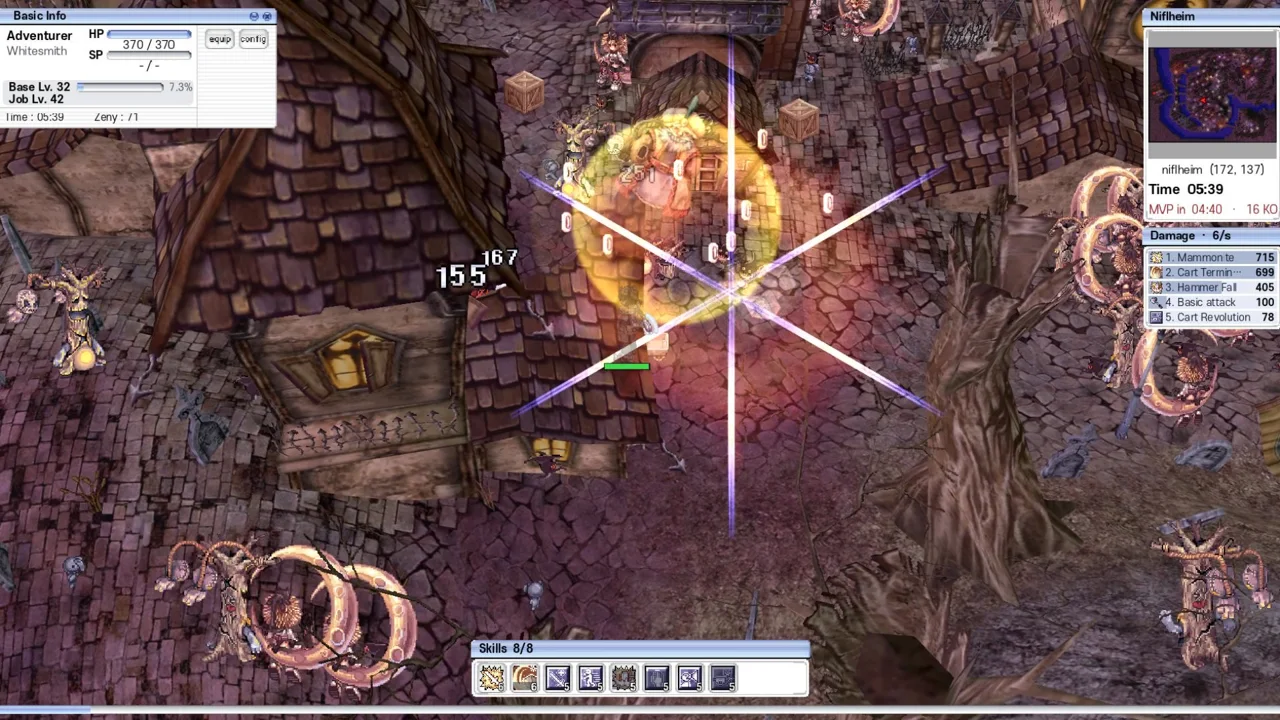
Account prompts and the shared town
In the launch discussion, a player asked about registering on Classic RO. nearQ replied that no account was needed and the name could be changed at character selection. The current website now describes Prontera channels, chat, whispers, trading and right-click parties. Follow the current client’s prompts and keep the project identity matched to nearQ.
A room code lets friends find the same party. The four-player limit describes the co-op party, while the website describes a shared Prontera town between runs. Those two features explain why players can see online town activity while still forming a small run group.
Cross-save and connection checks
A launch reply describes code-based cross-save as work in progress. That statement establishes a plan at launch. The current sources checked here do not establish a completed PC-to-Android transfer procedure. Keep your existing save until the installed client provides a clear export or recovery route.
If joining fails, compare both clients’ game identity and versions, recheck the room code and record the exact join error. These are diagnostic checks. No connection fix or cross-platform party session has been tested by this website. Use the Discord linked from nearQ’s listing ↗ (opens in a new tab) for the current service status and include both platforms in the report.
Sources
Next steps
Source-based guidance from the developer’s site, itch.io listing and linked player discussions. We have not run these clients or tested device compatibility, progression or multiplayer.