Start with the current Mac download
Open nearQ’s itch.io listing ↗ (opens in a new tab) and select the Mac build. The Mac and Linux builds are labelled alpha with limited testing. Choose the Mac file even when the developer homepage emphasizes Windows.
- Use the itch.io app installation route recommended by the developer.
- If using a browser download, extract it and move Midgard Survivors.app to Applications.
- Open the app and record the exact message if launch fails.
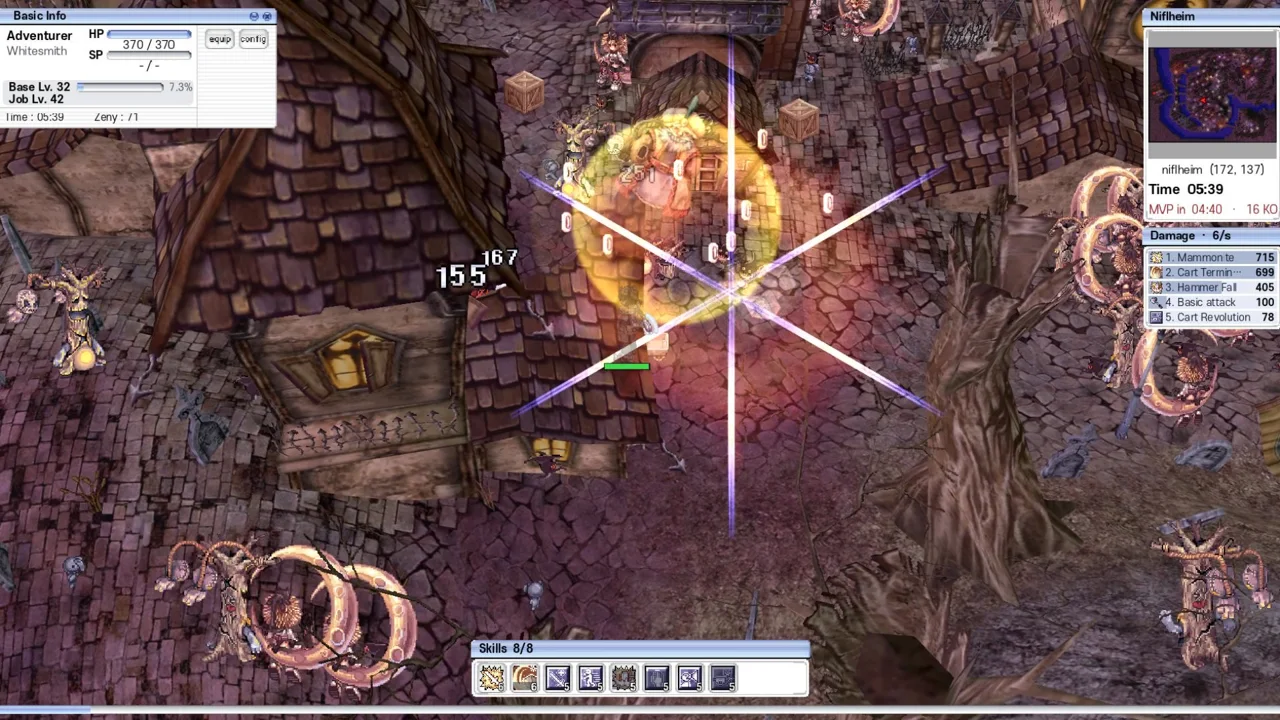
Developer’s damaged-app workaround
For the specific “is damaged” message, both the developer’s FAQ and launch reply ↗ (opens in a new tab) give this command for the app in Applications.
xattr -cr "/Applications/Midgard Survivors.app"The command recursively clears extended attributes on that app, including quarantine metadata. Apply it only to the nearQ copy you intended to install, with the path matching the actual app. Then try opening it again.
An itch.io commenter reports that clearing attributes worked on macOS. This is a reported workaround for that launch message. It does not establish compatibility for every Mac or resolve an unrelated in-game crash.
Mac updates and remaining failures
The itch.io listing specifically says the Mac build does not update itself. Download the new Mac package there when updating, even though the homepage describes automatic patches generally. Keep the previous copy and progress until you have confirmed the replacement works.
If the problem remains, send the macOS version, Mac model, downloaded build and exact error through the developer community linked on itch.io. Distinguish a blocked launch from a crash after the game starts.
Next steps
Source-based guidance from the developer’s site, itch.io listing and linked player discussions. We have not run these clients or tested device compatibility, progression or multiplayer.