
Where PC save files live
| Situation | Folder to check | Notes |
|---|---|---|
| Normal Steam launch | %appdata%\Brotato, then the folder with a long number (your Steam ID) | The long-number folder holds the Steam save. |
| Running the EXE directly | A folder named user under %appdata%\Brotato | Used for direct EXE launches. |
| Offline play since 0.5.11c | The Steam-ID folder, not user | A change in 0.5.11c; older offline saves may sit in user. |
These paths are not verified on a live install. The facts on this page come from Steam threads and fan guides, not official documentation.
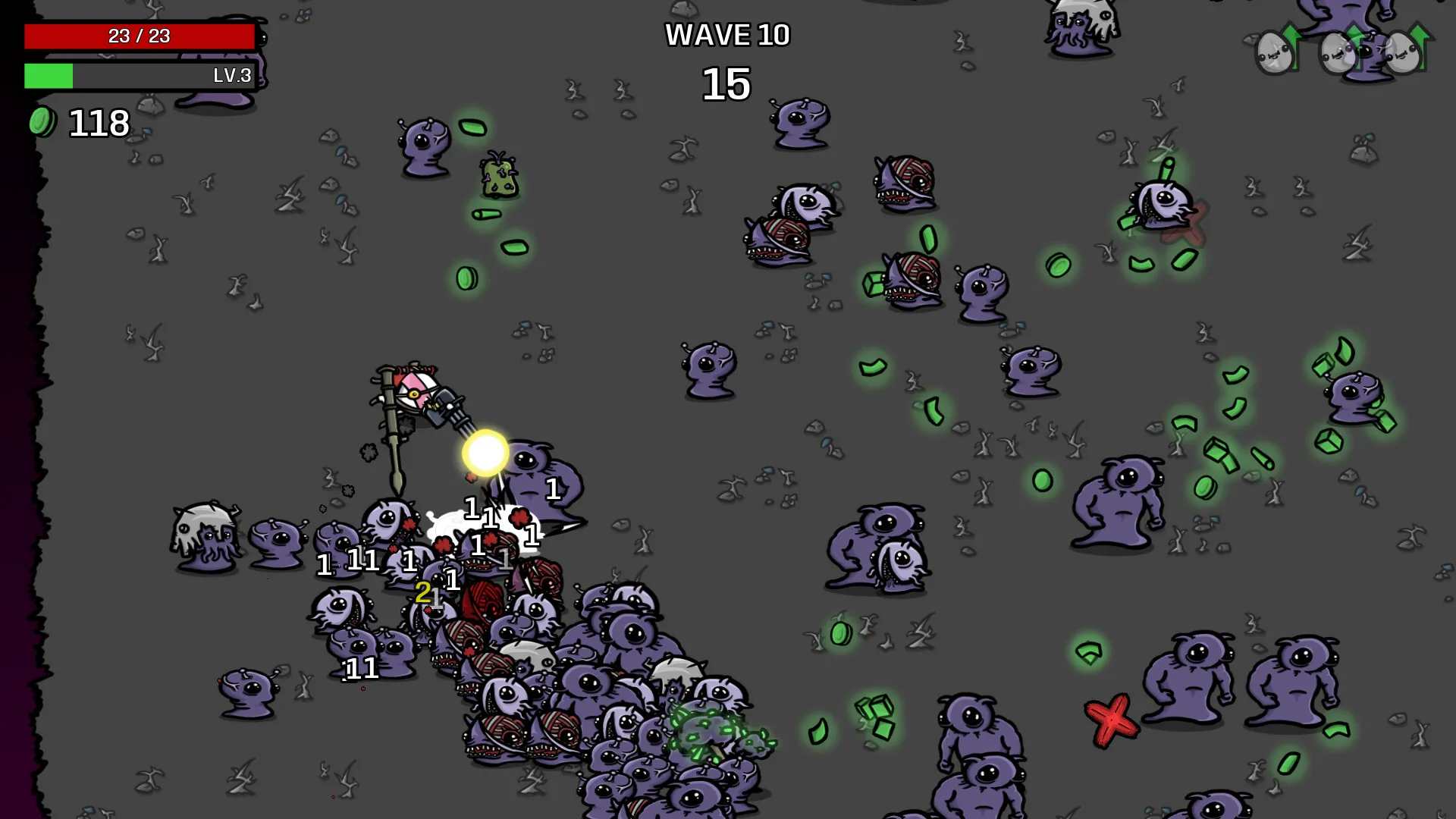
Save profiles and unlocks
Three in-game save profiles, numbered 0 to 2, hold separate progress. Unlocks stay with the profile where you earned them. Unlocks stay available for later runs on the same profile, so keep one profile per playthrough if you want to compare progress.
Steam Cloud conflicts
When the cloud save and the local save disagree, a common fix is to turn off Steam Cloud for Brotato in Properties, then turn it back on and choose the local save when prompted. Back up the folder first. Do not delete files to force a reset, because that can remove unlocks.
Beta and default branch progress
Progress made on the beta branch does not carry over to the default branch. Some players have reported losing unlocks after an update, and the developers have acknowledged at least one such bug. Check which branch you are on before comparing progress.
Consoles and cross-platform saves
The sources we checked do not confirm save locations for PlayStation, Xbox or Switch, or whether progress moves between platforms. Copying an Epic save folder to Steam has been done by one player; it is not a supported route. Check the platform store or the developer announcements before moving progress.
What to avoid
Do not use third-party save editors or downloaded save files. Fully unlocked save files circulate online. They risk lost progress or account trouble, so we do not recommend them.