
Imported a save but only see a new game?
| Check | What to do before changing anything |
|---|---|
| Host and browser profile | Return to the exact place that created the save; another website does not automatically see it |
| Class and mode | Select the intended hero and Softcore/Hardcore save |
| Menu generation | Camp: inspect the waypoint’s saved act. Class-selector build: inspect that hero’s Continue option |
| New run warning | Read the replacement warning instead of clicking again to find Continue |
A player asked this after importing a save. It is a menu/host diagnosis, not proof that every missing Continue means the save is corrupt. [3][1][2]
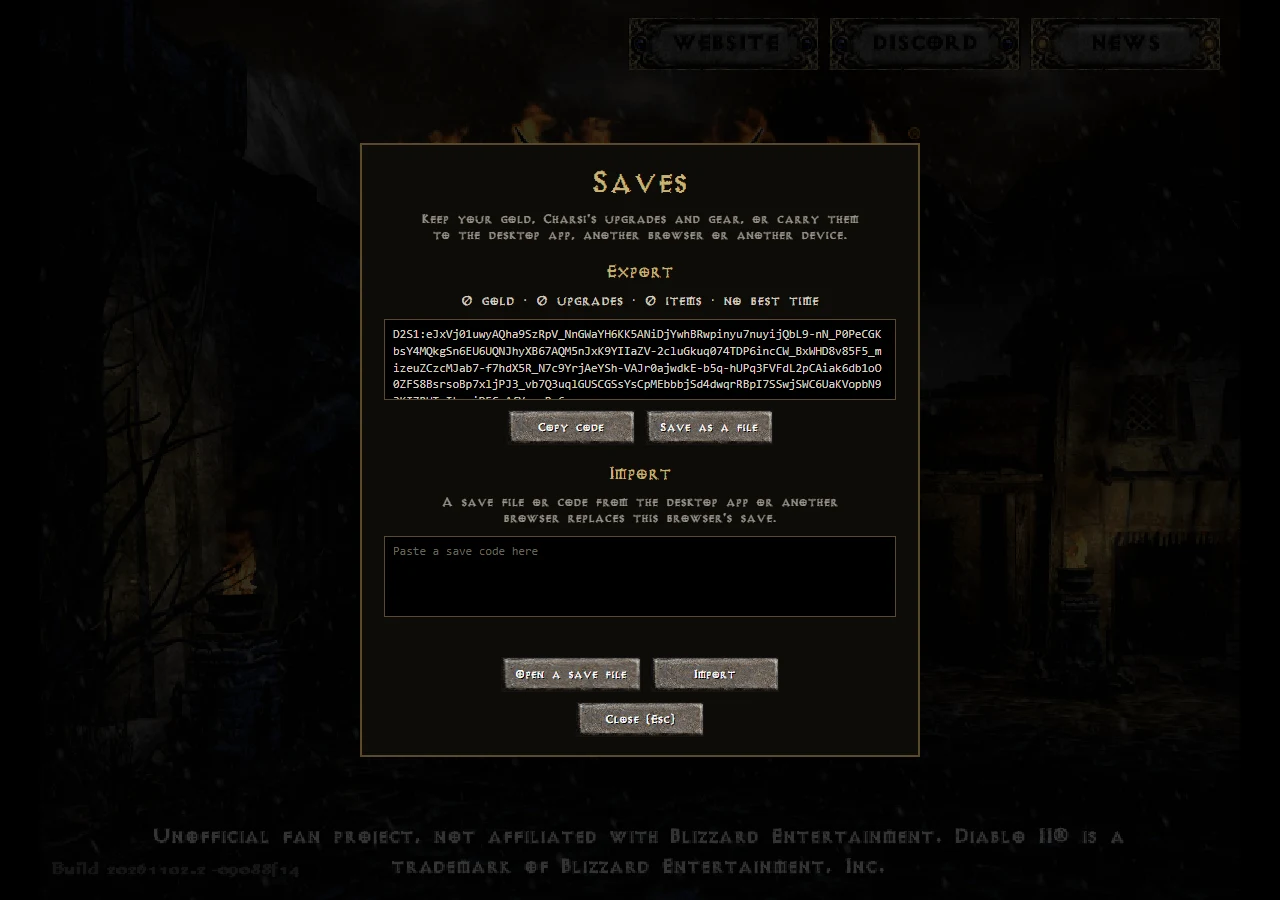
Export, back up the destination, then inspect
- Save and exit on the source. Open SAVES and export a file or code; keep it privately.
- If the destination already has progress, export that separately too.
- Import only the intended source into the intended destination. Read its preview and replacement notice.
- Check hero, equipment and the run entry before relying on the new location. Keep both backups.
The current original permits Softcore export/import, not Hardcore migration. This is not a verified cross-version transfer procedure for the older hosted player. We do not upload or inspect your saves. [1]
Continue is an act checkpoint
The current original reference says Continue restarts the saved act at its start state, rather than restoring every second of movement. Other waypoint starts can end that saved run and ask for confirmation. Do not interpret an act restart alone as lost account progress. Older editions can retain different details, so follow their own warnings. [1]
A second tab and a different version are different problems
The original can make a second tab wait while the first owns the save. Close the other game tab before treating the waiting screen as a failed import. If you changed providers, return to the old host rather than clearing storage. If loading fails repeatedly, preserve the backup and report the build and exact message; we cannot guarantee recovery. [1]
Sources & limits
Original reference pages share one publisher. A current reference and an older playable build can differ; no cross-version compatibility or universal fix is claimed.
- D2 Survivors · Saves ↗ — Current original reference; not a promise of older hosted-version compatibility.
- D2 Survivors · The camp ↗ — Original reference for Akara and the waypoint; not all older builds show this camp.
- Reddit · original-game discussion ↗ — Historical player questions; relative ages differ between cached views. Not a count of current bugs.
- D2 Survivors · Original game ↗ — Original menu and game-interface captures, 3 November 2026; displayed menu build 20261102.2. Short interface inspection only.