
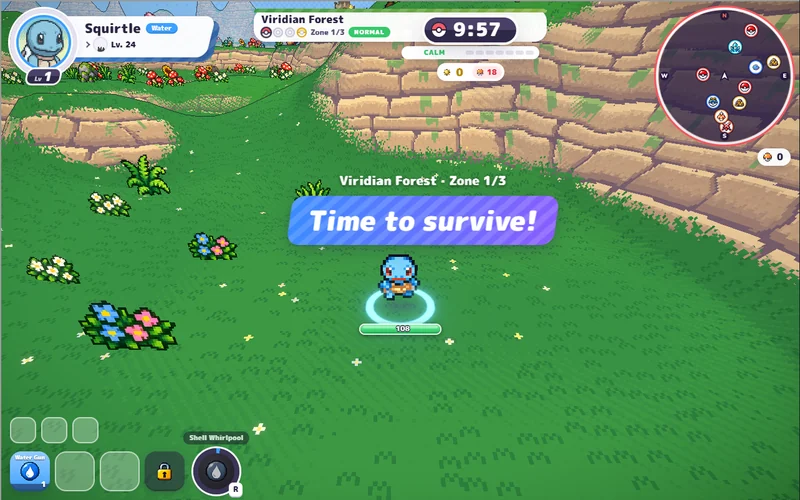
PokeBonk
Pick a partner and take on a 3D forest full of wild Pokémon.
Play PokeBonkHosted v0.8.27 · startup screenshot, 26 Oct 2026. Game art © respective owners. Pokemon Team Builder ↗
D2 SURVIVORS · THIRD-PARTY GAME WINDOW
Choose a Diablo II hero, keep moving and let your skills meet the horde.
This window uses play.d2survivors.org, a third-party edition displaying 20261020.1 during a run (its menu shows 20261019.1) in our startup check. It is separate from framara’s current original and its saves.
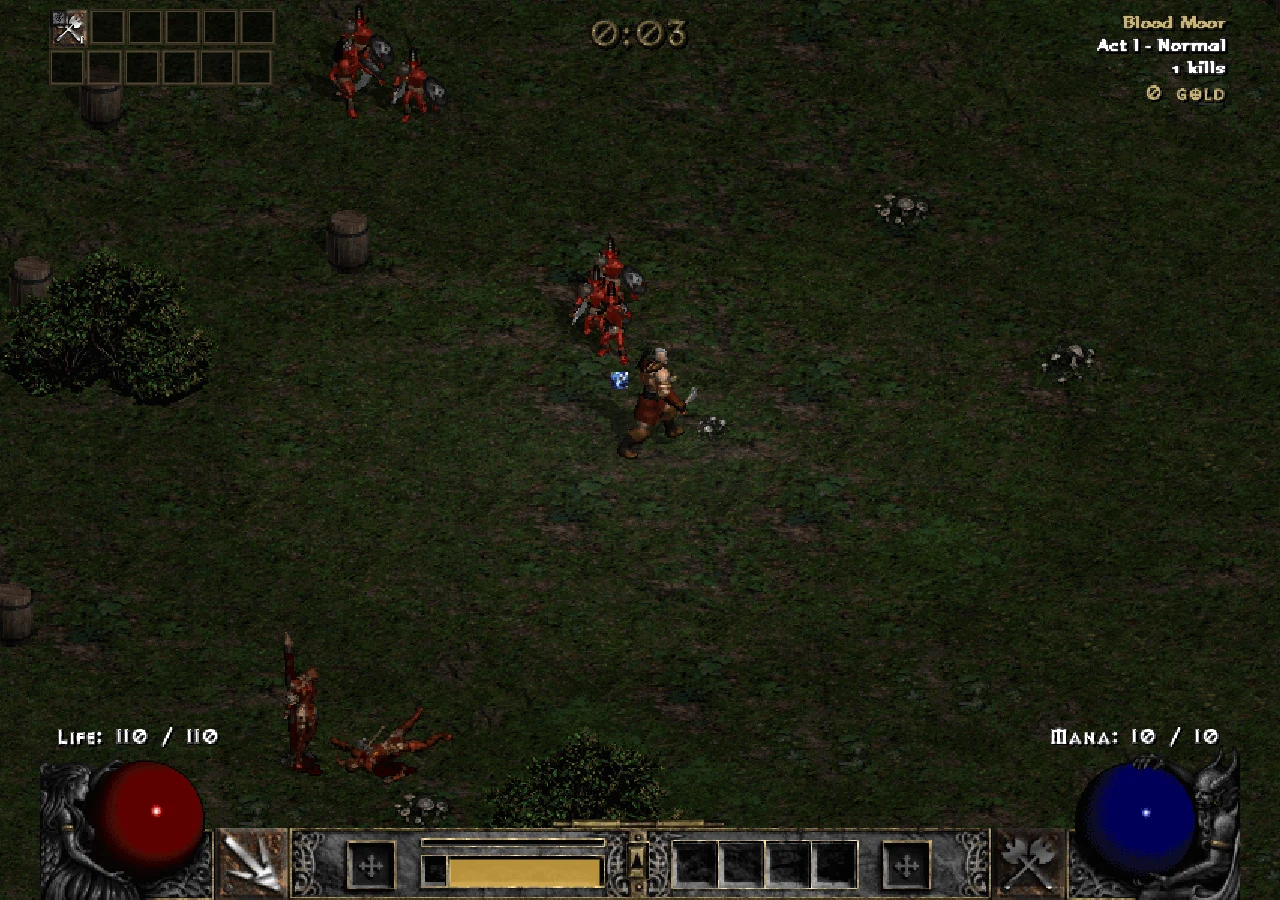
One hero. Automatic skills. A growing horde.
Click to load play.d2survivors.org.
Desktop keyboard recommended.
YOUR NEXT GAME
Choose another browser game on Megabonk.org. Each card identifies its host and gameplay.
Pick a partner and take on a 3D forest full of wild Pokémon.
Play PokeBonkHosted v0.8.27 · startup screenshot, 26 Oct 2026. Game art © respective owners. Pokemon Team Builder ↗
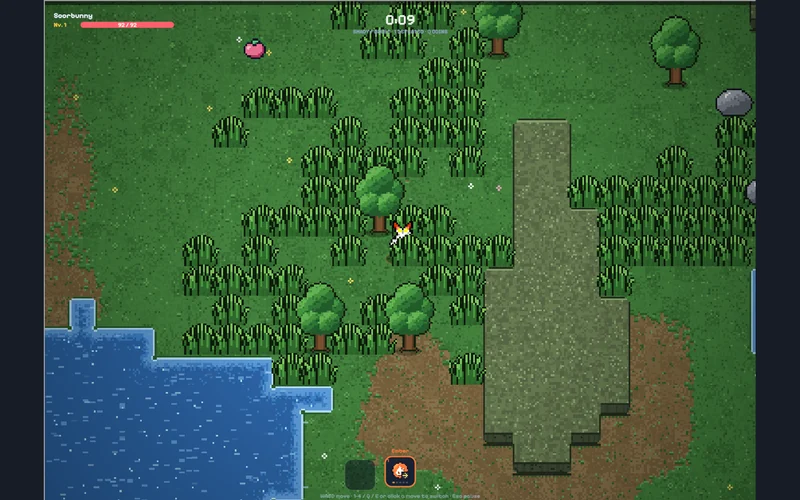
Dodge a pixel-art horde and switch attacks as your run develops.
Play PokéSurvivorThird-party edition · startup screenshot, 26 Oct 2026; build unlabelled. Game art © respective owners. pokesurvivor.pro ↗
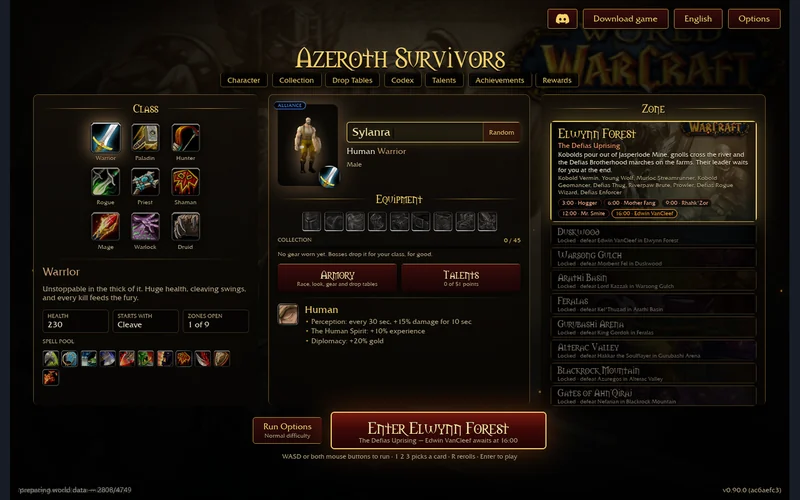
Choose a Warcraft-inspired hero and build around automatic spells.
Play Azeroth SurvivorsHosted v0.90.0 · menu screenshot, 31 Oct 2026. Game art © respective owners. s.the-false-sun.com ↗
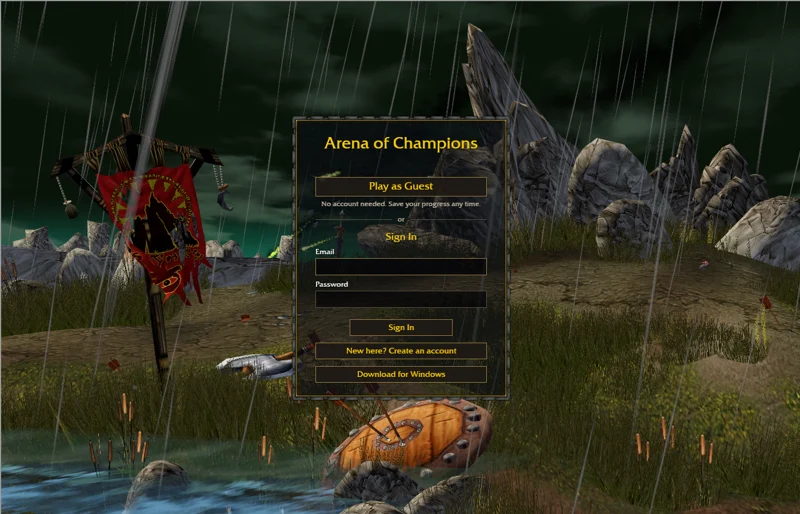
Try manually controlled Warcraft-inspired arena PvP. Desktop keyboard and mouse recommended.
Play Arena of ChampionsOriginal-host menu · 1 Nov 2026. Game art © respective owners. arenaofchampions.live ↗
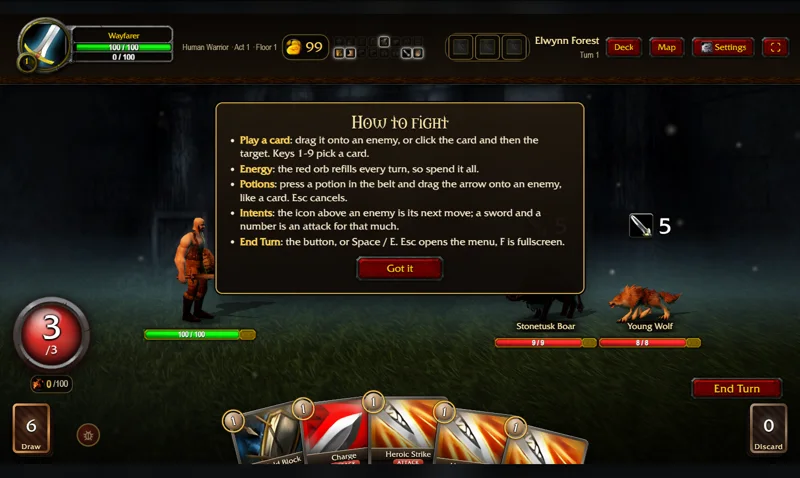
Switch to turn-based card combat and build a Warcraft-inspired deck.
Play Spires of AzerothOriginal-host combat tutorial · 4 Nov 2026. Game art © respective owners. TheWoWDB ↗
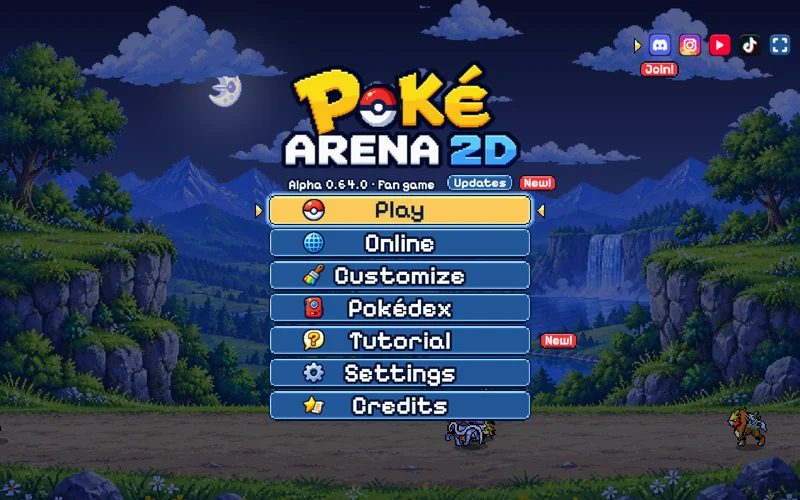
Real-time Pokémon battles. Our start guide opens the game on its original site.
Original game & start guideExternal game · Alpha 0.64.0 menu, 4 Nov 2026. Game art © respective owners. pokearena2d.com ↗
Expand creates more room. Hide and Return preserve the same game frame; hiding is not pausing. Pause inside the game before reading another guide. Closing this page ends the embedded session. [1]
The embedded third-party edition is older than the original menu inspected on 3 November 2026 (build 20261102.2). The original’s current FAQ asks for your own Diablo II: Lord of Destruction 1.14 or Diablo II: Resurrected installation; do not assume this hosted edition’s resource setup describes the original. [1][2]
Each website controls its own storage. Back up both the source and destination before importing anything; an import can replace progress. Current original-game rules distinguish Softcore and Hardcore. Cross-host and cross-version save compatibility has not been tested here. A frame and the same host in a separate tab can also receive different browser storage treatment. [3]
Need Chinese text? 繁體中文化:選版本、工具與備份 →. That guide concerns the original and its community tool, not a patch injected into this window.
Wait for the game’s title/menu rather than treating a loaded frame as a successful start. If it stays blank, open d2survivors.org · same edition in a new tab ↗. Keep a note of the host, displayed version and exact message; do not clear saved site data as your first attempt.
Use a desktop or laptop with a keyboard for this route. The current original FAQ says phones are not supported; a phone-sized page check does not establish game compatibility. [2] The original also blocks third-party framing, so its link opens externally. We do not proxy it or remove its restrictions.
This game host and any services it loads control their own data and progress. We cannot read or recover that cross-origin storage. Read the game-window privacy notice.
Checked 3 November 2026. Independent guide; not affiliated with the game creators or Blizzard. Third-party game availability and build can change.