
Browser, desktop or a hosted edition?
| Route | Choose it for | Check first |
|---|---|---|
| Original browser | Playing in a desktop browser | Your own installation and available browser storage |
| Original desktop app | A separate app window and documented offline play after preparation | Original download and your operating system |
| Hosted Play window | Trying that provider’s older browser edition | Different version and separate progress |
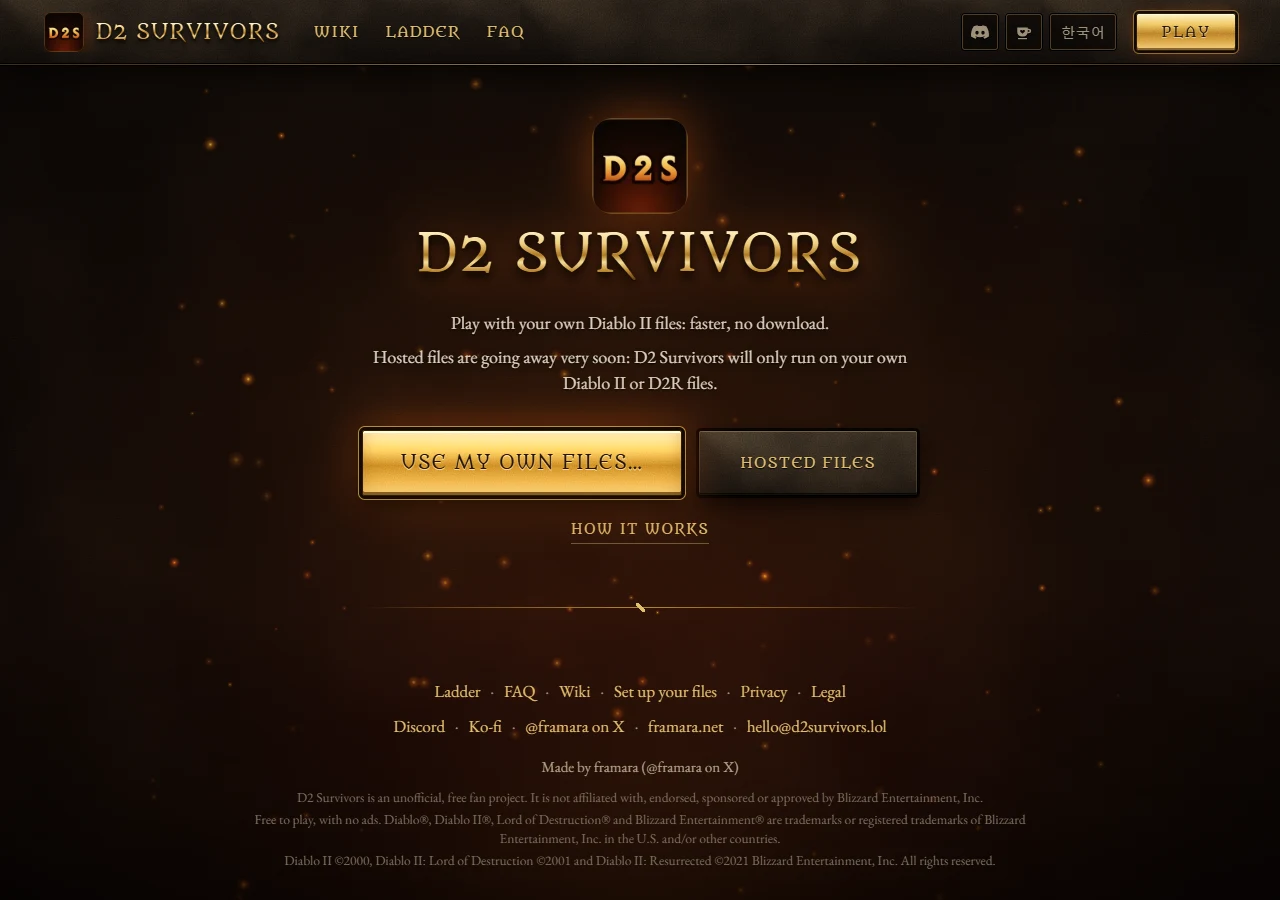
Use D2 Survivors · original setup ↗ or D2 Survivors · original downloads ↗. We do not mirror installers or game archives. [1][2]
Prepare the right directory
For classic LoD, the original reference lists d2data.mpq, d2char.mpq, d2sfx.mpq, d2exp.mpq and patch_d2.mpq; music and speech archives are optional. For D2R, select that installation or its containing library rather than trying to rename D2R files into classic MPQs. In browser setup, select the folder, follow EXTRACT and wait for completion. [3]
A temporary Hosted Files button is not a permanent file-free promise. Check the current message before selecting it. Do not delete saved browser data just because a newer build asks to read files again. [1]
The documented Steam Deck path
The original download page lists a Linux x64 AppImage. Its instructions say to allow it to execute, open it in desktop mode and add it to Steam as a non-Steam game. If it cannot find the Diablo installation, the author points to its Wine/Proton prefix. This is the author’s app route, not the same procedure as an older browser/Flatseal tutorial. We have not installed it on a Deck. [2]
Separate an error from a safety verdict
Before retrying, record the exact host, app or browser version, chosen directory and error. A shortcut is not an installation directory. Check that the installation has finished updating, then follow the current setup message. A warning or an installer filename alone cannot certify safety; do not disable protection on the strength of this page. [1]
Before switching app, browser or provider, export backups from both sides. The original currently recommends a computer; old mobile setup advice has transition limits. [4]
Sources & limits
Original reference pages share one publisher. A current reference and an older playable build can differ; no cross-version compatibility or universal fix is claimed.
- D2 Survivors · File setup ↗ — Original setup page inspected 3 November 2026; no personal game files selected.
- D2 Survivors · Desktop app ↗ — Original download instructions read in Chrome; installers not executed.
- D2 Survivors · Getting started ↗ — Original reference, checked 3 November 2026; menus can differ from the running build.
- D2 Survivors · FAQ ↗ — Original platform and language answers checked 3 November 2026.