
Check the client before choosing a download
The author requires your own World of Warcraft 1.12.1, build 5875, English enUS files, in a copy dedicated to Hordes. Keep about 3 GB of free disk space next to the game and use current graphics drivers. That is free storage, rather than a RAM specification. [1]
The launcher and the original WoW client are separate items. The project supplies its own code and reads game assets from the client files you provide. Its author neither supplies nor links the WoW client. Use the listed build when checking your files, including if you already have a modern Classic or 1.14.2 installation. [1]
The author explicitly says hordes-of-azeroth.com is unaffiliated. Establish the download through the jonhaldors repository and its Releases page. A matching domain name alone does not establish that relationship. [1]
From a dedicated folder to the launcher
- Keep a separate copy of your compatible client folder. Preserve any existing game progress before changing files.
- Open GitHub · author releases ↗. Choose HoALauncher.exe on Windows, or HoALauncher-linux.tar.gz on Linux / Steam Deck.
- Place the launcher beside
WoW.exein that dedicated folder. Unpack the Linux archive there. - Open the launcher and press Install. Allow its resource stages to finish. First installation and an update have different work to complete.
- Use Play in the launcher thereafter. It manages the local server alongside the game. On Steam Deck, the author says to add
HoALauncheras a non-Steam game.
Monster paths normally download ready-made. If that download fails, the launcher can build them locally, using the CPU allocation it asks you to choose. Record the current stage before treating a long wait as a crash. For a stopped update or a database message, follow the symptom checks. [1]
Review the release's own file information and SHA-256 when checking a downloaded launcher. Our review covers documentation and images, with no installed-client, binary-audit or completed-run result established.
Choose the route your device actually has
| Device or goal | Documented route | Next decision |
|---|---|---|
| Windows 10/11 64-bit | Windows launcher plus your own required client files | Use the dedicated-folder steps above. |
| Linux / Steam Deck | Linux launcher; author labels support beta | Read the current release notes before moving progress. |
| Mac | The author currently lists Mac as unsupported | Read the bounded community Wine report before investing in setup. |
| Phone / browser session | No author browser or native-phone release verified in this review | For another game, check Aethus’s Azeroth Survivors browser route. Its rules and saves are separate. |
Platform support is an author statement checked on 5 November. Opening a webpage about Hordes does not start its local client. [1]
Solo or up to four players
The current README documents up to four players. A host opens a game from the character screen; other players find it in the browser or join by code. Characters bring their progress, and earned progress returns with them. The host's PC runs the game. Older launch discussions and guides can still describe solo-only builds. [1]
For a group, check that everyone uses compatible current versions and follows the author's connection instructions. The README distinguishes joining from hosting and explains TCP 3725 when automatic host connectivity fails. In v0.6.4, Hardcore characters cannot play co-op yet. This guide has no verified multiplayer session or port-forwarding test. [3]
Solo play is documented as available offline after installation; update checks need a connection. Keep local progress and the launcher's backups before changing installations. Compare the two games' storage decisions →
中文名称与入门
玩家使用过“艾泽拉斯之潮”等中文名。请用作者 jonhaldors 和仓库 hordes-of-azeroth 核对实体,再区分中文界面与游戏数据语言要求。中文入门、客户端要求与报错分流 →。[4]
Sources & verification
- GitHub · jonhaldors README ↗ — Pinned source revision cfc02ac, reviewed 5 November 2026. Platform, installation, co-op and source-identity statements are author documentation.
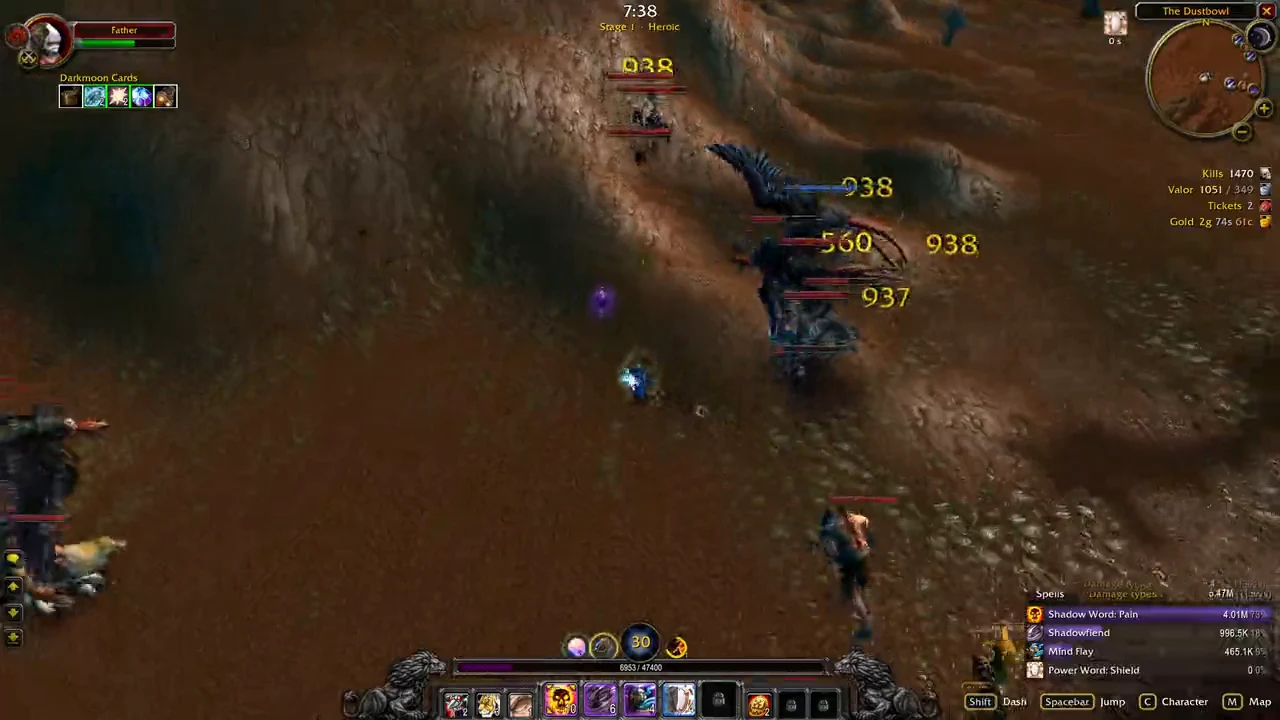
- GitHub · author gameplay recording ↗ — Early version 0.1 video linked in the repository. Frames inspected at 00:00, 00:05 and 00:15; historical UI only.
- GitHub · v0.6.4 changes ↗ — Hardcore co-op limitation checked 5 November 2026.
- GitHub · Chinese naming discussion ↗ — Player discussion opened 2 November 2026; community names do not change the author or repository identity.
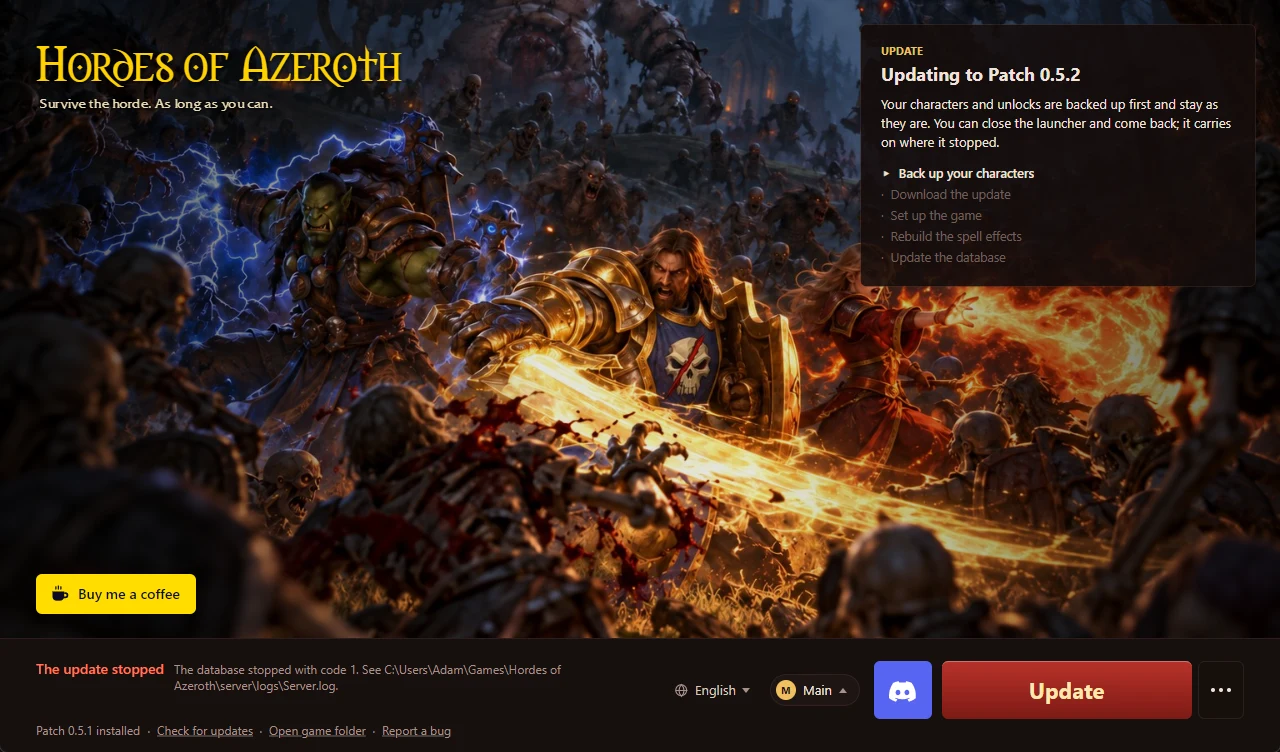
- GitHub · installation issue #11 ↗ — Published with the 1 November 2026 issue, showing a 0.5.1 to 0.5.2 update and database error. Historical symptom context; not a current launcher capture or a reproduced fix.