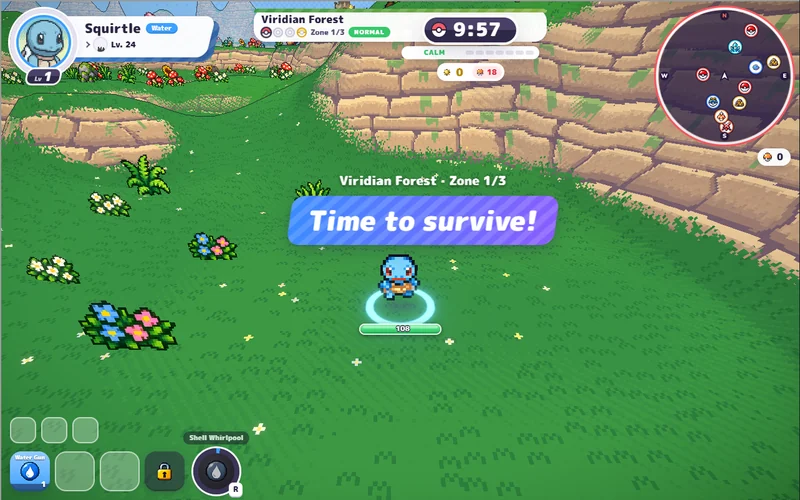
PokeBonk
Pick a partner and take on a 3D forest full of wild Pokémon.
Play PokeBonkHosted v0.8.27 · startup screenshot, 26 Oct 2026. Game art © respective owners. Pokemon Team Builder ↗
Pokémon × Binding of Isaac · browser roguelike · unofficial guide
A free fan-made dungeon roguelike by SrBatai: carry a team of up to three Pokémon room by room, grab items and descend through seven chapters. Play the original below or open it in its own tab — guest play needs no account. [1]
Original client v1.1.1 (beta label shown in-game) · menu, mode select, short run and pause menus checked 5 November 2026. The official landing page is Spanish; the client ships about a dozen languages and auto-matched our browser to Simplified Chinese. [1]
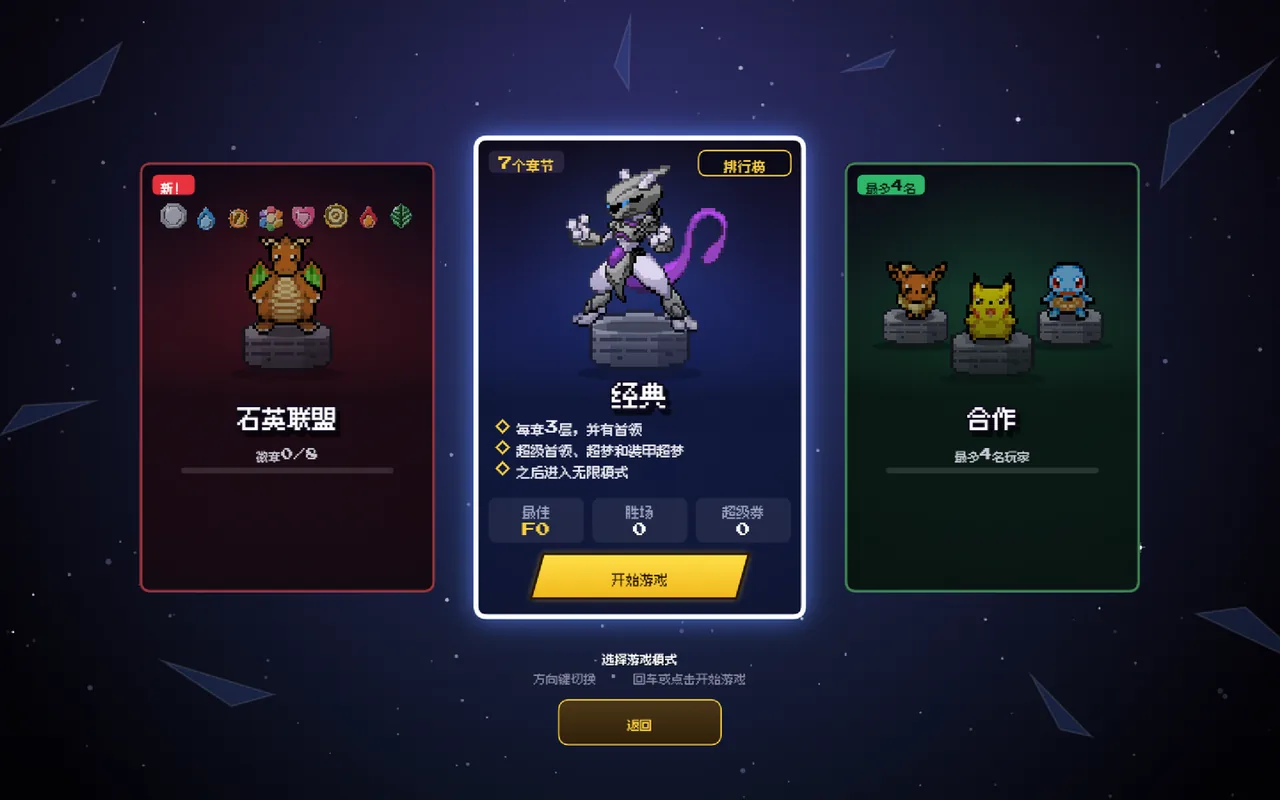
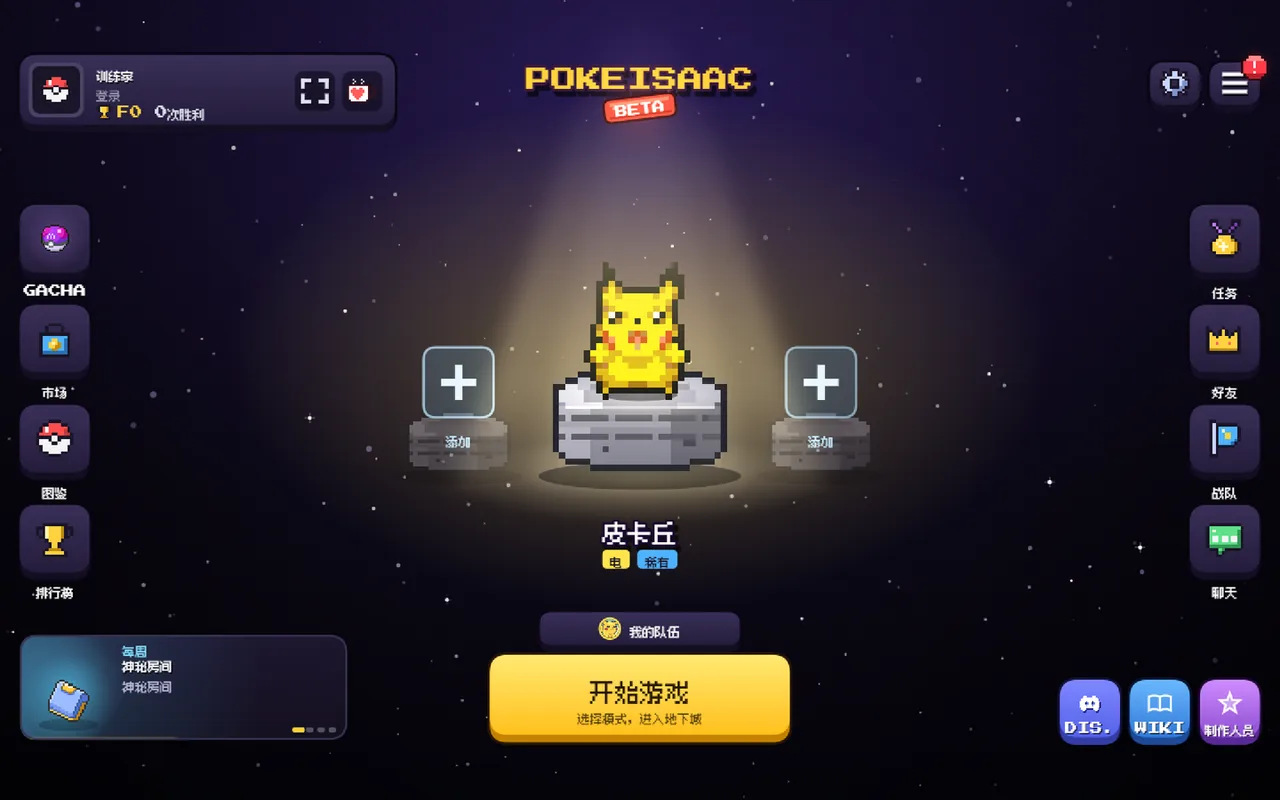
Rooms, items and chapter bosses — the Isaac loop with Pokémon shots.
Click to load the original at pokeisaac.com.
Guest play needs no account; offline runs are not saved.
YOUR NEXT GAME
Choose another browser game on Megabonk.org. Each card identifies its host and gameplay.
Pick a partner and take on a 3D forest full of wild Pokémon.
Play PokeBonkHosted v0.8.27 · startup screenshot, 26 Oct 2026. Game art © respective owners. Pokemon Team Builder ↗
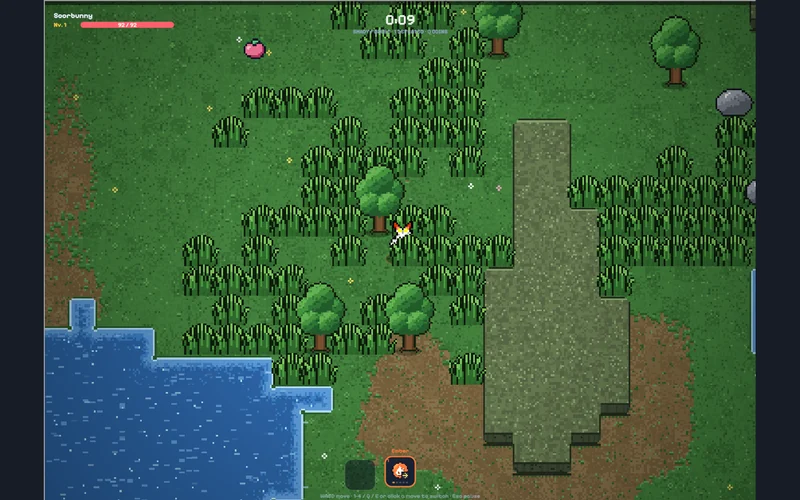
Dodge a pixel-art horde and switch attacks as your run develops.
Play PokéSurvivorThird-party edition · startup screenshot, 26 Oct 2026; build unlabelled. Game art © respective owners. pokesurvivor.pro ↗
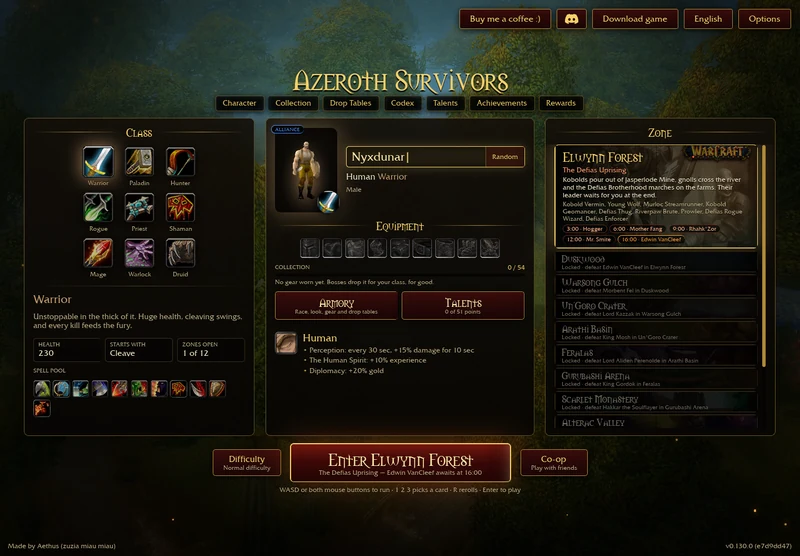
Open the original Warcraft-inspired survivors game in a new tab, with startup and save help.
Open original-game entryOriginal v0.130.0 menu · 30 Oct 2026. Game art © respective owners. Aethus · original game ↗
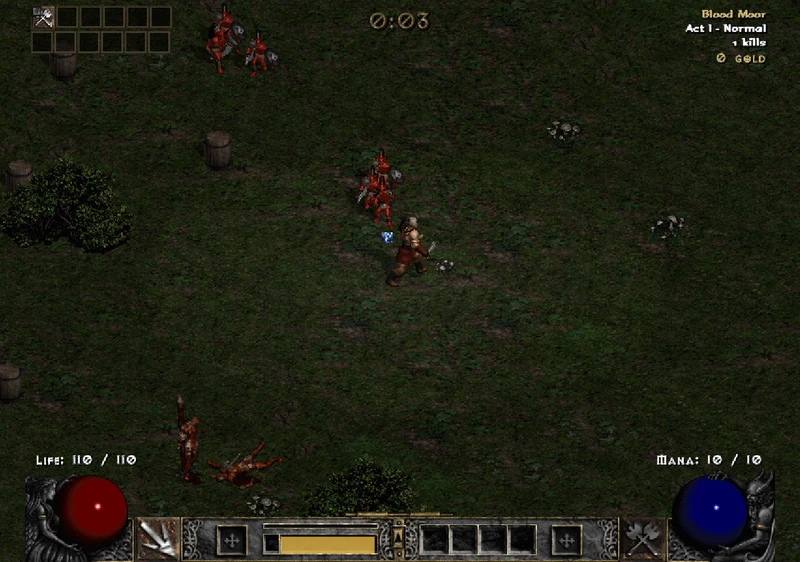
Choose a Diablo II hero and survive with automatic skills and loot.
Play D2 SurvivorsThird-party edition · startup screenshot, 3 Nov 2026. Game art © respective owners. d2survivors.org ↗
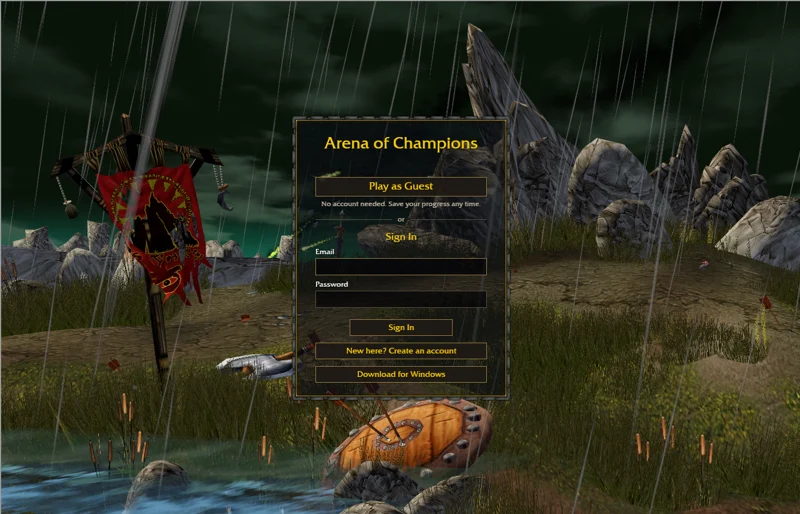
Try manually controlled Warcraft-inspired arena PvP. Desktop keyboard and mouse recommended.
Play Arena of ChampionsOriginal-host menu · 1 Nov 2026. Game art © respective owners. arenaofchampions.live ↗
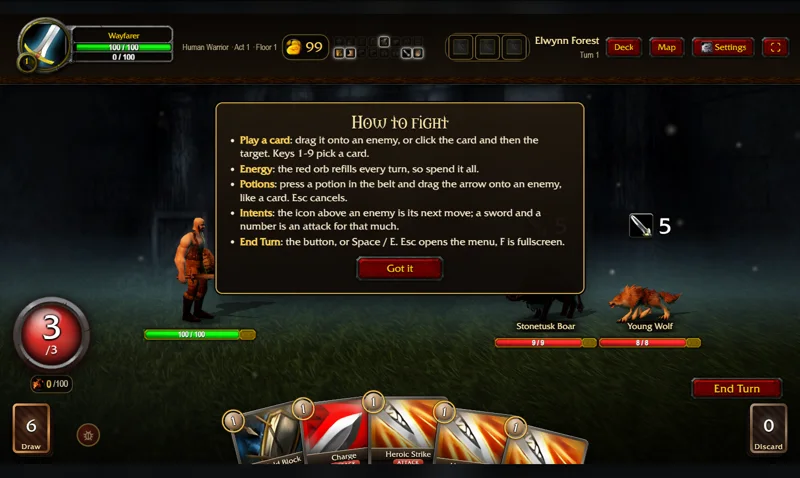
Switch to turn-based card combat and build a Warcraft-inspired deck.
Play Spires of AzerothOriginal-host combat tutorial · 4 Nov 2026. Game art © respective owners. TheWoWDB ↗
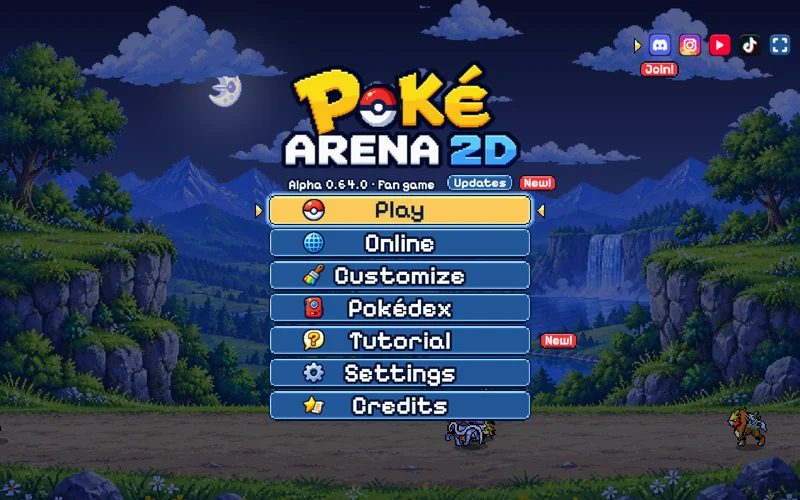
Real-time Pokémon battles. Our start guide opens the game on its original site.
Original game & start guideExternal game · Alpha 0.64.0 menu, 4 Nov 2026. Game art © respective owners. pokearena2d.com ↗
PokéIsaac re-plays The Binding of Isaac's room-and-items loop with Pokémon: your shot type follows your Pokémon's type, items stack per run, and each chapter ends in a boss before the next floor. The project's own notice describes it as free and non-profit — no ads, purchases or sponsors — and says it is played only on its website, not distributed in app stores. [2]
The author advertises 971 Pokémon and 350 items. The Classic mode we inspected lists 7 chapters of 3 floors, with super bosses, Mewtwo and Armored Mewtwo at the end, then an endless mode; a separate Quartz League tracks badge progress, and a menu button opens the project's Discord. [1][2]
You do not need a wiki to start: the game ships an in-game Wiki menu (items, enemies, bosses, types, rooms, mechanics — several hundred entries in the client's current language). Use it for in-game lookups; this page stays focused on getting in, starting well and not losing progress.
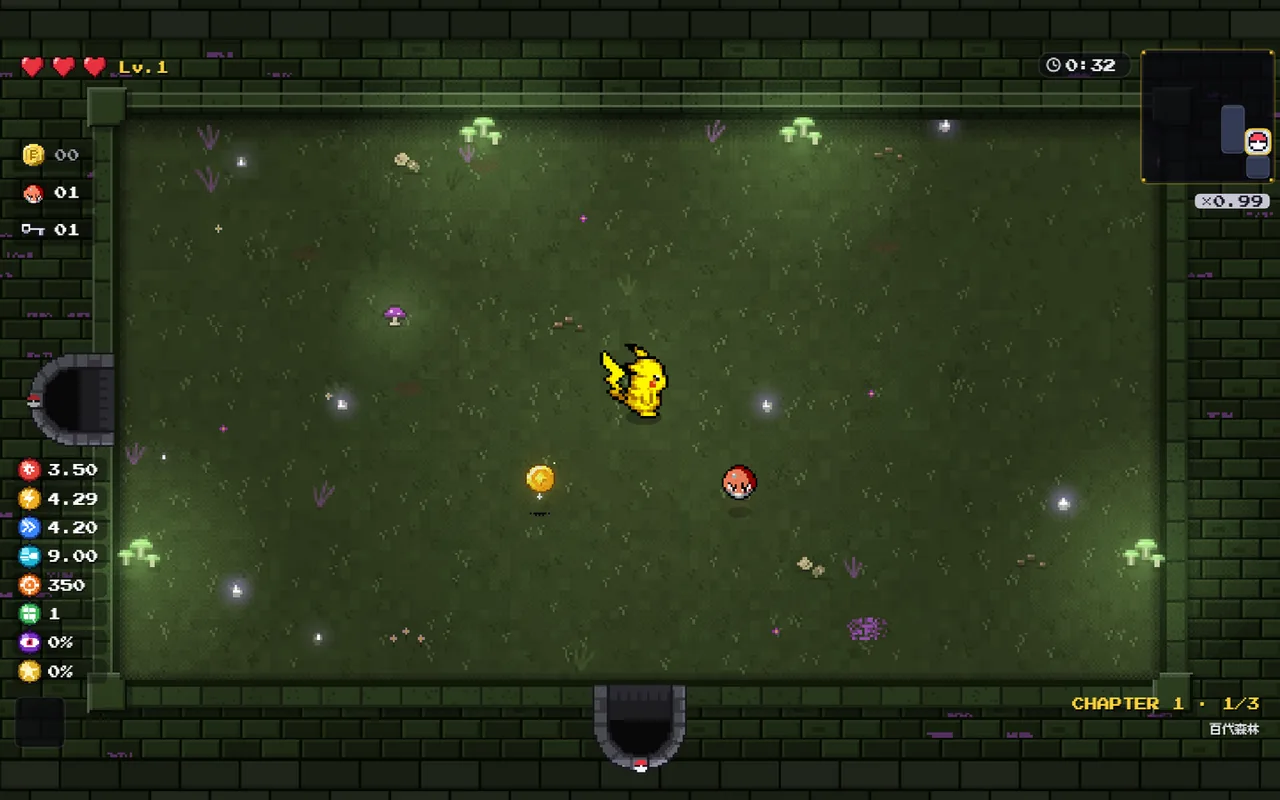
These steps follow the original v1.1.1 client inspected on 5 November 2026, played as a guest with a short offline run. This is a startup check — no full clear or build advice is claimed. [1]
Weekly notices (right now, a Mystery Room event) appear on the menu and pause screens. Treat advertised events as current until the date you check them. [1]
| Task | Input | Check before relying on it |
|---|---|---|
| Move | WASD or arrow keys; gamepad and touch are advertised in settings | Settings → Controls lists current bindings |
| Attack | Shoot in the direction you face; type decides the shot | The left panel shows damage and fire rate per Pokémon |
| Switch team member | Team of three; the pause screen names the lead form | Partners share the run — read the in-game Wiki entry if unsure |
| Pause / save | Esc → Save & quit (account runs) | Guest runs cannot be resumed or rewarded |
| Enlarge this window | Expand game above; Esc returns to the page | Hiding keeps the frame connected, it does not pause the game |
The game exposes keyboard, mouse and gamepad settings and a language selector; we inspected menus at desktop and phone widths but have not benchmarked a physical phone or controller. [1]
The project's own notice is explicit: guest play saves nothing — the login window repeats that runs and rewards are not saved offline, and an end screen notes that rewards (tokens, tickets, medals) require an account. With an account (email via Supabase, Google or Discord), progress lives in the account, not the browser, and a saved run can be continued from another device; the browser only keeps your session and preferences. [2]
Practical routine: same host, same browser profile, save before closing. The notice also covers co-op: direct connection is on by default and lets other players in your room see your IP address — you can turn it off under Options → Data — and relayed games run through the project's servers (Supabase in the EU, Railway relays, Cloudflare TURN as fallback). We have not tested account creation, co-op sessions or save transfers ourselves. [2]
If the framed window stalls, open the original in its own tab ↗ (external website, opens in a new tab) before troubleshooting anything else; do not clear site data as a first step, since it removes the stored session. An outage on the original site cannot be fixed from this page.
| Name you saw | What it actually is | Route |
|---|---|---|
| PokéIsaac / Poke Isaac | This fan roguelike at pokeisaac.com by SrBatai; v1.1.1 beta, browser only, with an in-game Wiki and Discord. The project states it is not distributed on app stores. | Original window above |
| "Pokémon Isaac / PokeIsaac" APK files | An Android package (package name com.hark.pokeisaaczh…) circulated on APK sites. Not the official distribution — the project says it is website-only. We do not link it. | Stick to pokeisaac.com ↗ (external website, opens in a new tab) |
| PokeBonk / PokéSurvivor | Separate Pokémon-themed survival games with their own controls, hosts and progress. | PokeBonk window · PokéSurvivor window |
| PokéVersus | A different free 3v3 Pokémon browser battler by Fl3xix with clans and rankings. | pokeversus.com ↗ (external website, opens in a new tab) |
| The Binding of Isaac | The original game by Edmund McMillen and Nicalis; PokéIsaac only borrows its style of play. | bindingofisaac.com ↗ (external website, opens in a new tab) |
Shared names do not mean shared accounts, saves or rosters — progress does not move between any of these games. [2]
By Megabonk.org · checked 5 November 2026. Independent, source-based startup guide with an original-host inspection. PokéIsaac is an unofficial fan game by SrBatai; Pokémon names and artwork belong to Nintendo, Creatures Inc., GAME FREAK and The Pokémon Company, and The Binding of Isaac is a work by Edmund McMillen and Nicalis, Inc. This guide is unaffiliated with any of them.